[開箱] Thermaltake Commander星際指揮官 MS-I …
好讀版
http://www.xfastest.com/viewthread.php?tid=63415&fromuid=38227
==============================================================================
Thermaltake曜越以往在較高階的機殼上才見的到前置USB 3.0的設計,
如今隨著技術門檻與成本的降低,
前置USB 3.0也終於正式出現在主力裝機等級的機殼身上,
讓我們來看看這咖Commander星際指揮官 MS-I的設計~
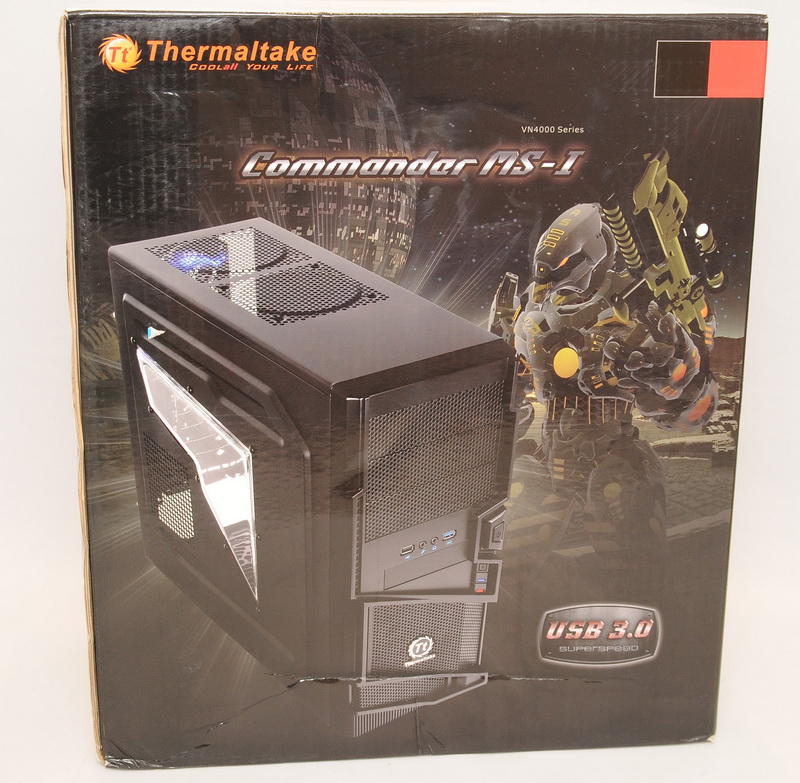
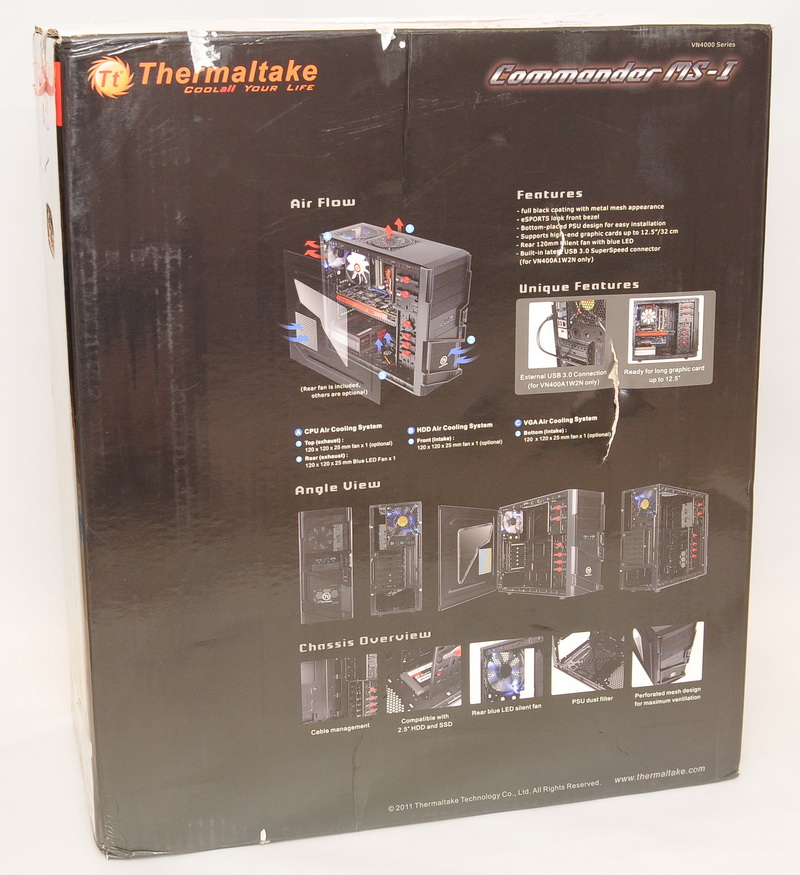
包裝外箱表面皆為彩色印刷
正面印上機殼照片
http://picx.xfastest.com/elvis/Chassis/Tt/Commander_MS-I/01.jpg

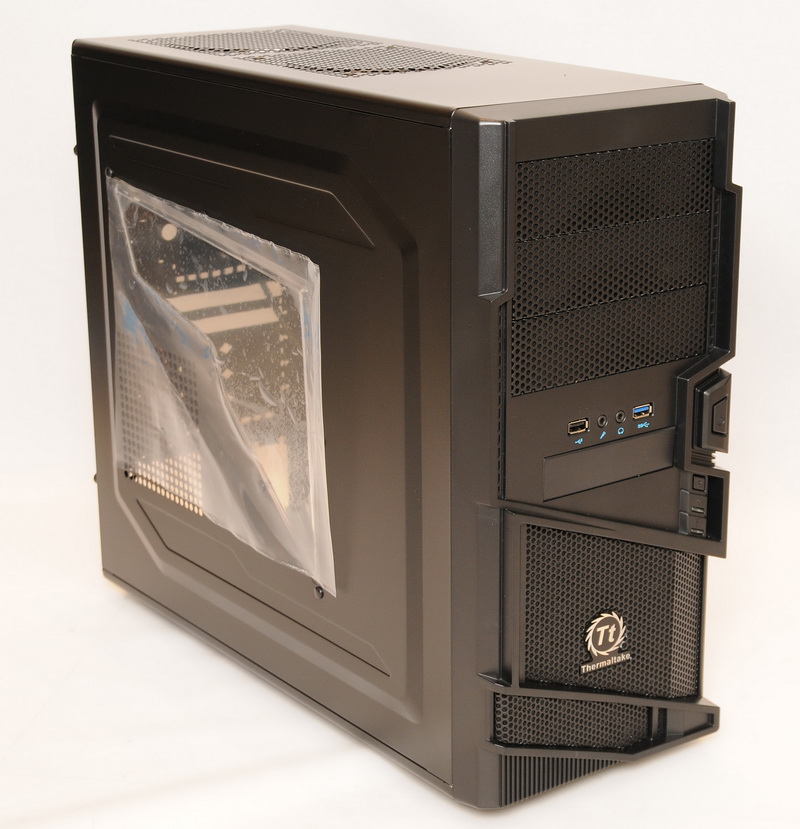

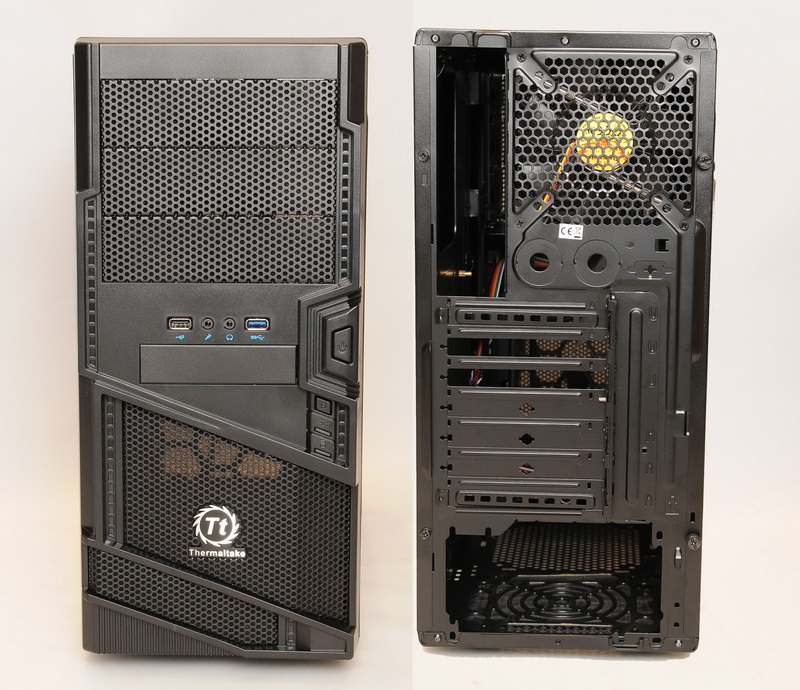
兩面側板做出互相對稱的造型
機殼正面與背面
http://picx.xfastest.com/elvis/Chassis/Tt/Commander_MS-I/07.jpg
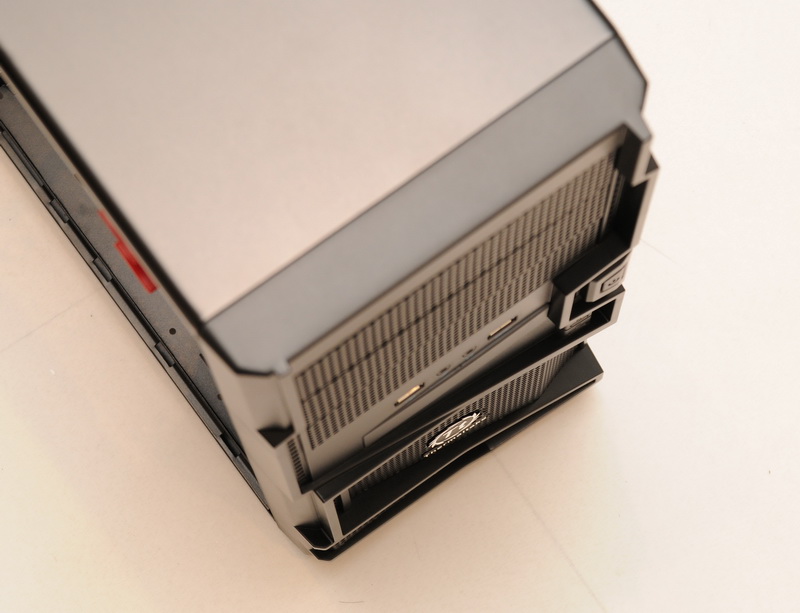
運用多層次的斜切稜角營造出立體感
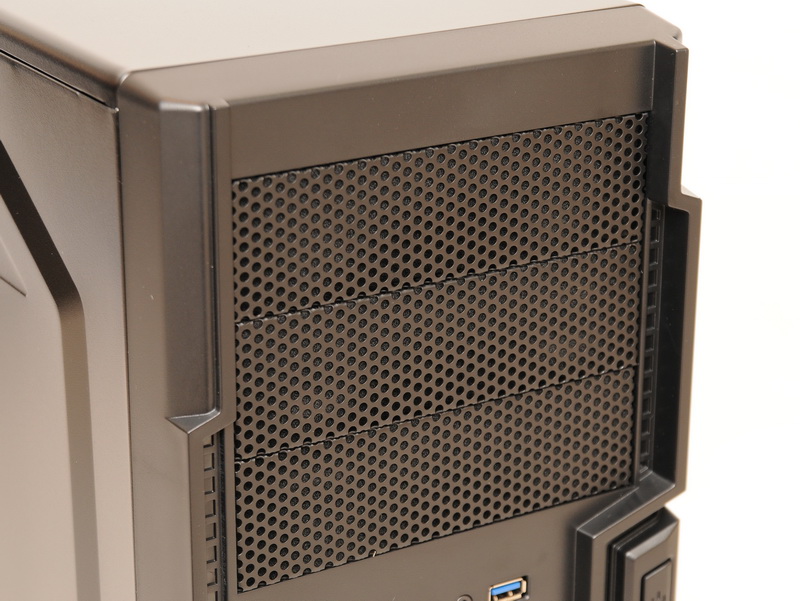
光碟機檔板使用沖孔網設計
http://picx.xfastest.com/elvis/Chassis/Tt/Commander_MS-I/09.jpg
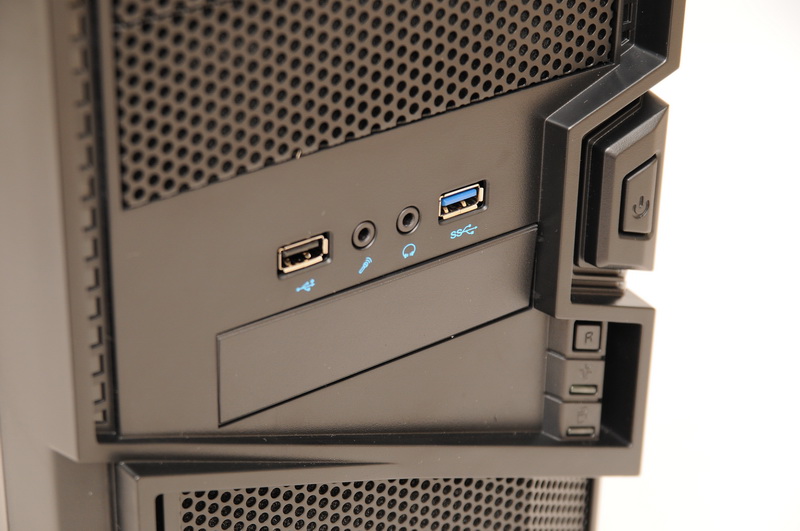
電源開關/Reset按鈕、前置USB2與USB3插座、耳機與麥克風插孔
面板下方也是沖孔網,並貼上Thermaltake的Logo
http://picx.xfastest.com/elvis/Chassis/Tt/Commander_MS-I/11.jpg

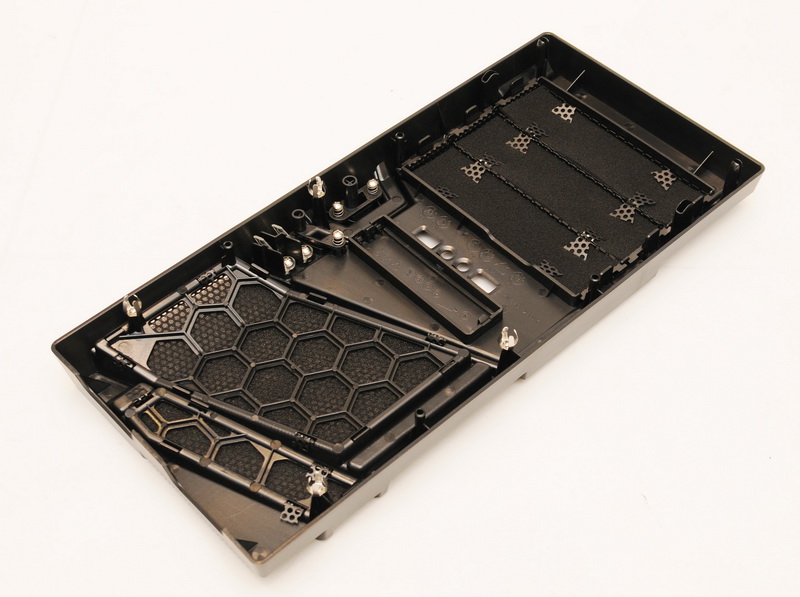
使用沖孔網的內側皆有附上濾網,降低入塵量
移除面板後的機箱前端架構
http://picx.xfastest.com/elvis/Chassis/Tt/Commander_MS-I/13.jpg

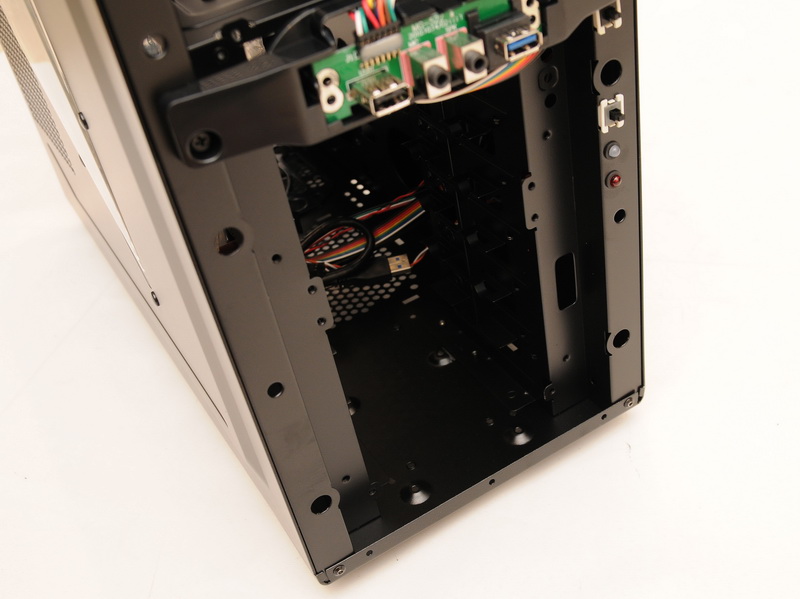

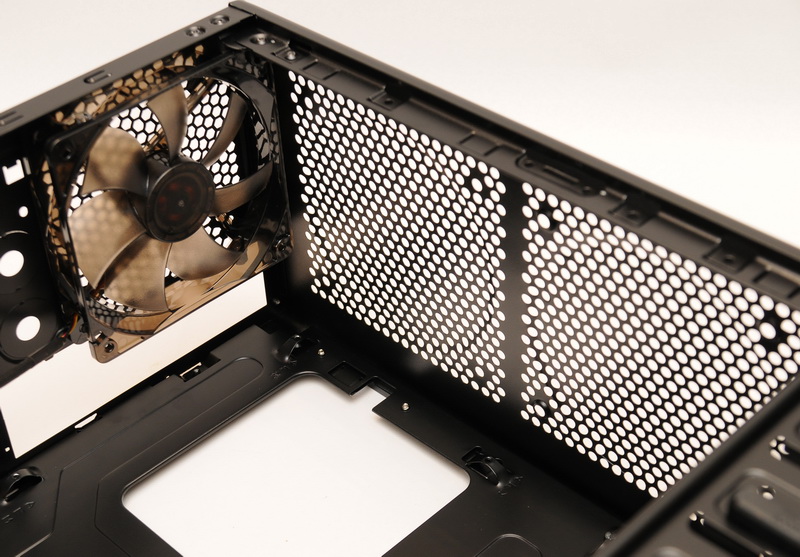
鏤空的通風孔
可安置12公分風扇
http://picx.xfastest.com/elvis/Chassis/Tt/Commander_MS-I/16.jpg
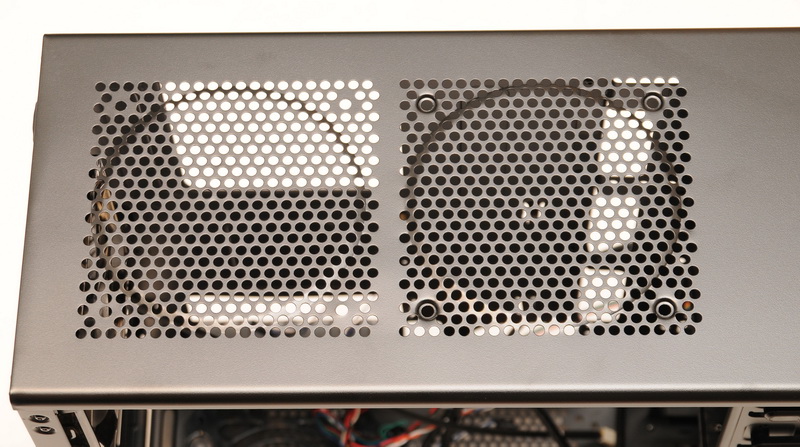
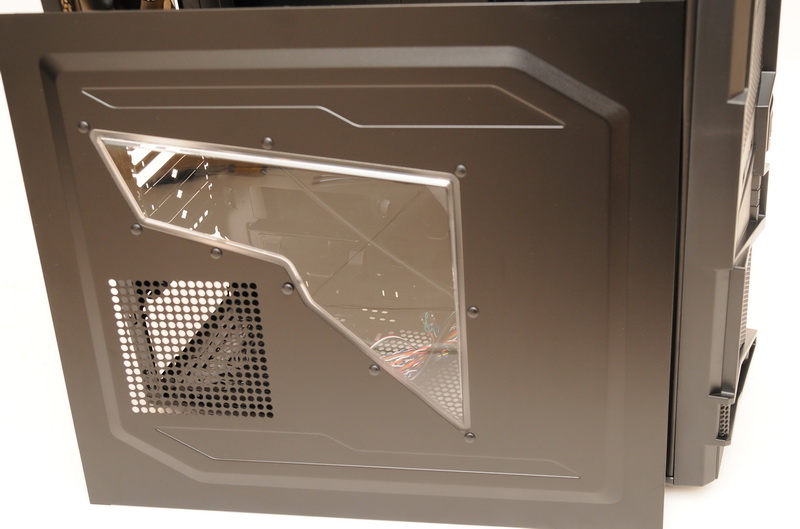
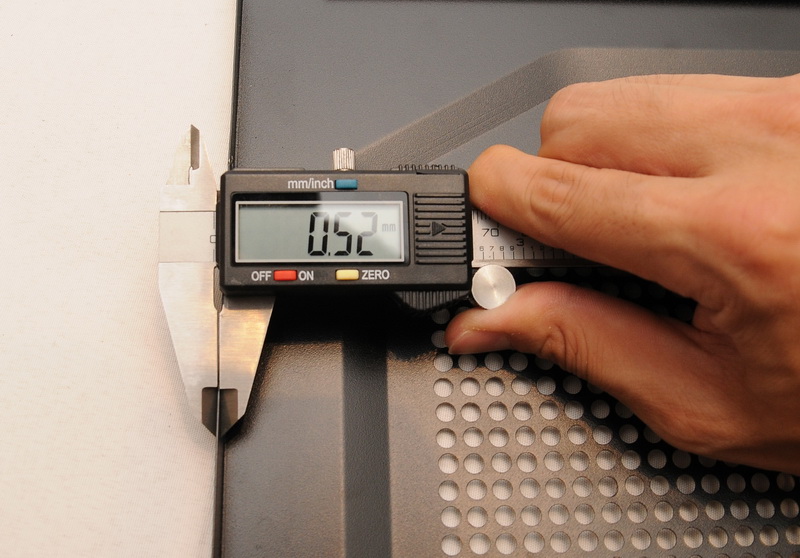
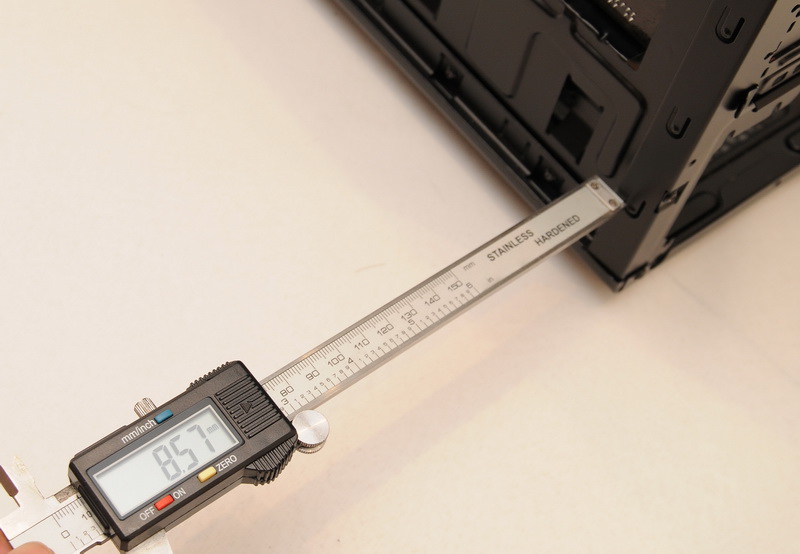
稜角狀的窗口
鋼板厚度大約0.52mm
http://picx.xfastest.com/elvis/Chassis/Tt/Commander_MS-I/18.jpg
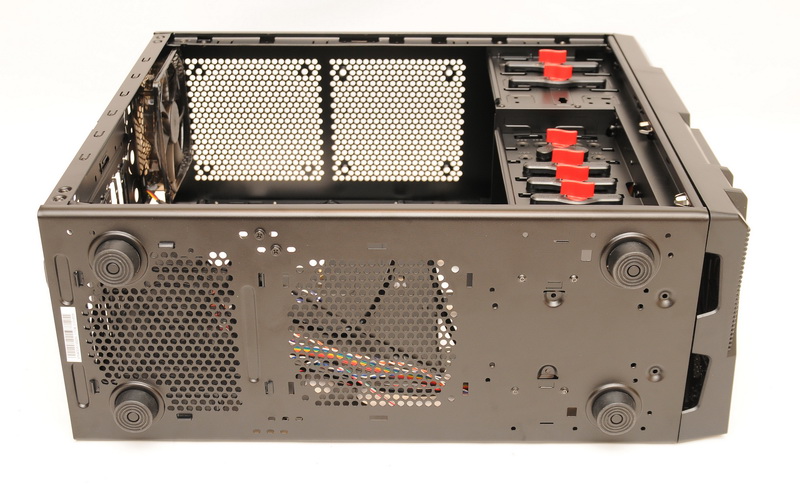
除了安裝PSU的位置有開孔外,另外也有安裝下置12公分風扇的孔位
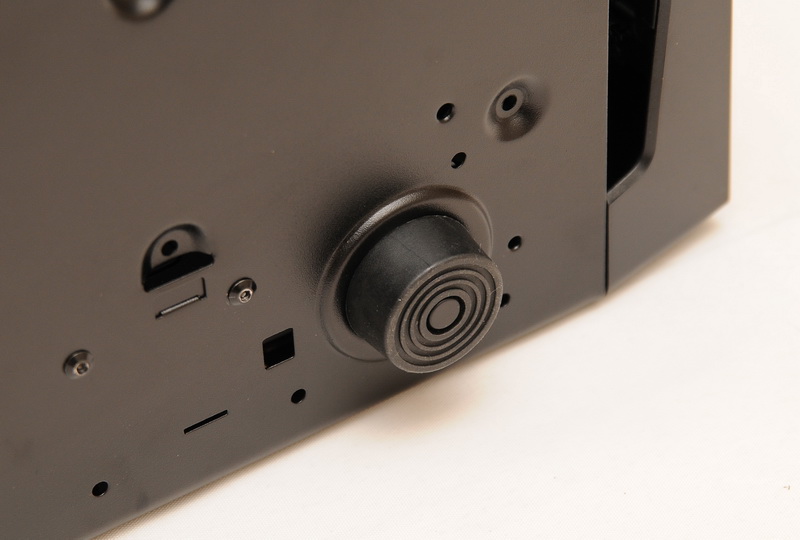
腳座為塑膠材質
http://picx.xfastest.com/elvis/Chassis/Tt/Commander_MS-I/20.jpg

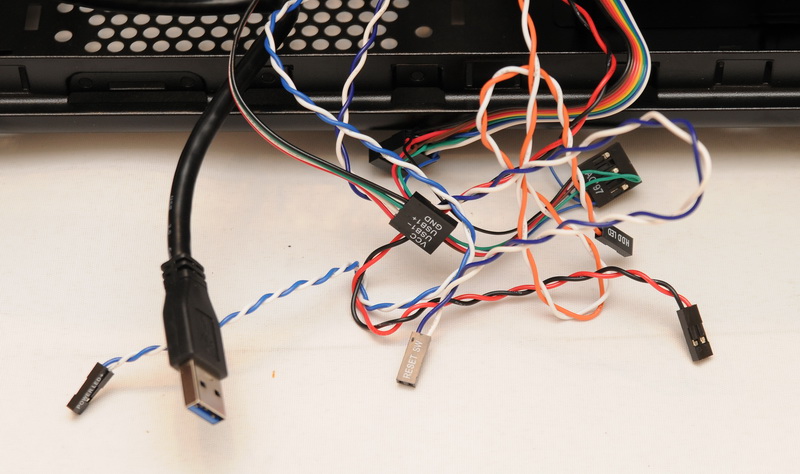
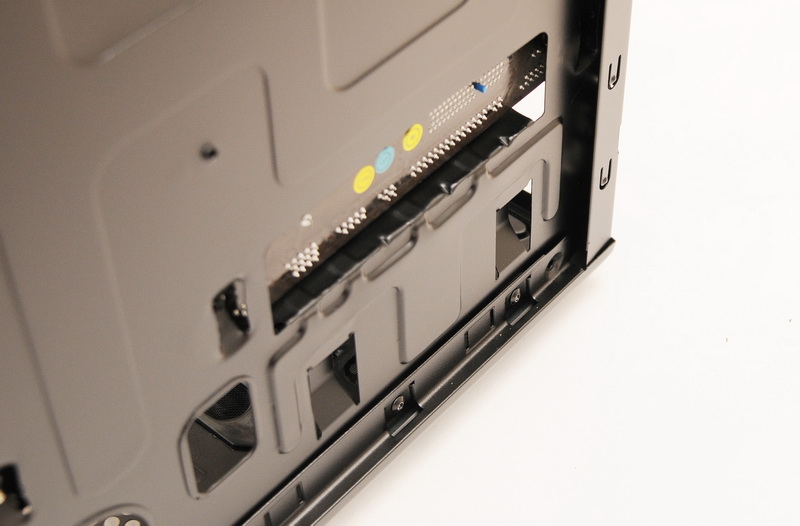
USB3是繞後背外接設計
免螺絲卡榫設計
http://picx.xfastest.com/elvis/Chassis/Tt/Commander_MS-I/23.jpg
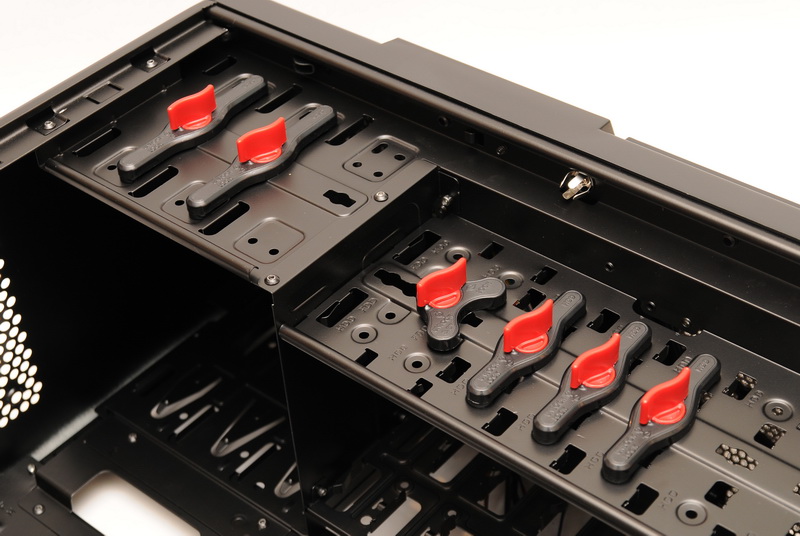
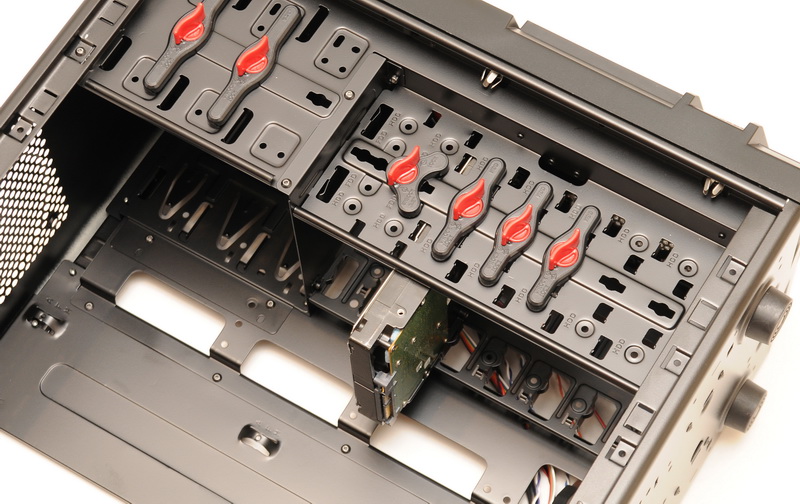
底部有一個安裝2.5吋SSD或硬碟的支架,毋須另外購買
http://picx.xfastest.com/elvis/Chassis/Tt/Commander_MS-I/25.jpg

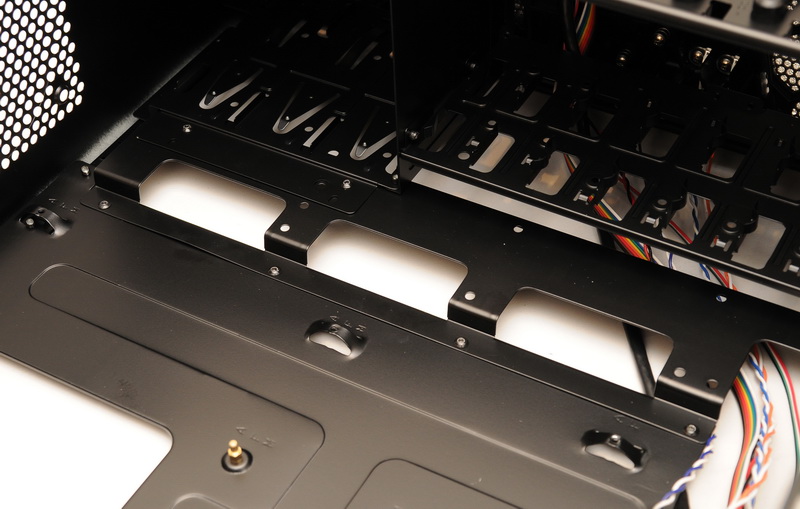
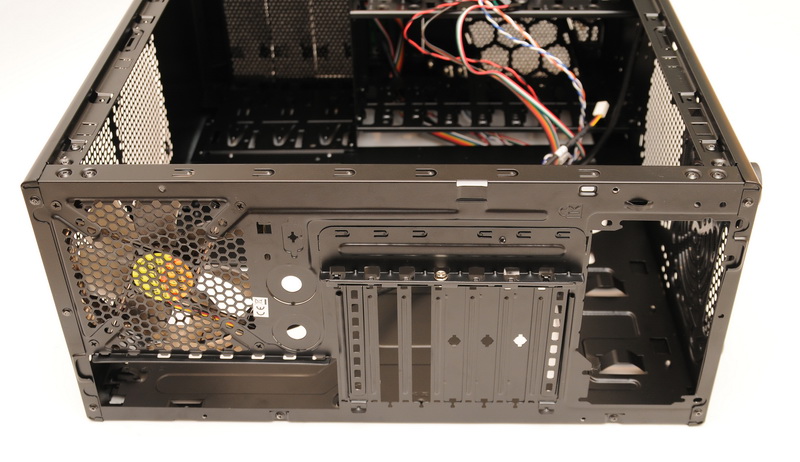
除上下兩個其餘皆為一次性檔板
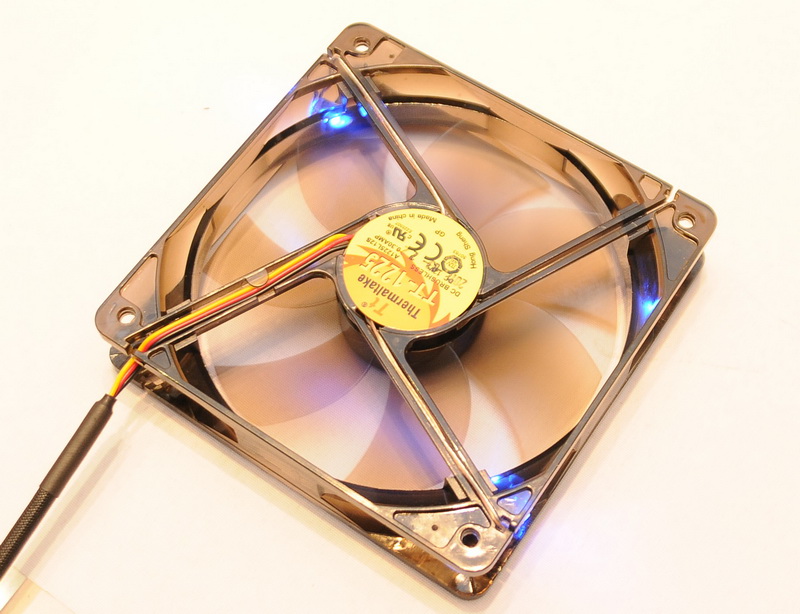
內建一個12公分後抽風扇
http://picx.xfastest.com/elvis/Chassis/Tt/Commander_MS-I/28.jpg

靠前端背板有內凹設計方便主機板主電源背板走線
http://picx.xfastest.com/elvis/Chassis/Tt/Commander_MS-I/33.jpg


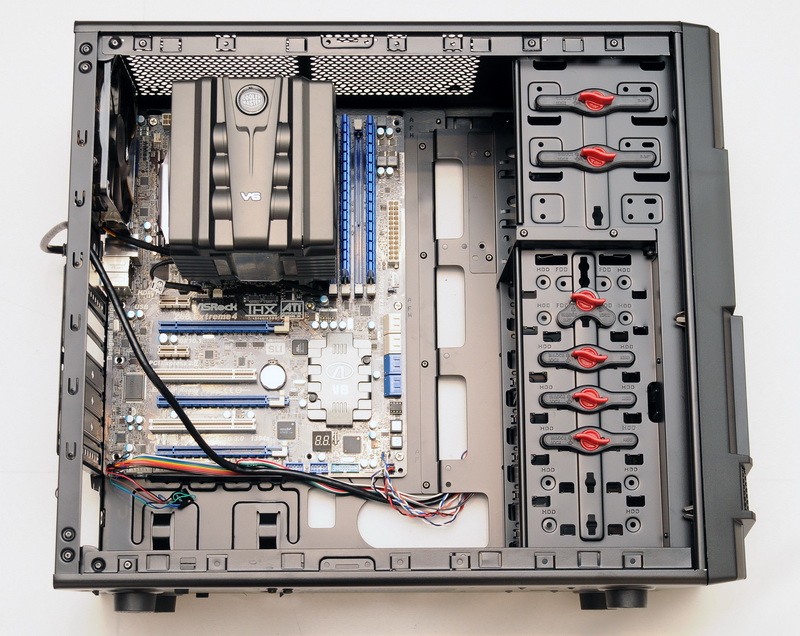
CPU: Intel Core i7-2600K
Cooler: CoolerMaster V6GT
MB: ASRock Z68 Extreme4
RAM: Kingston HyperX T1 DDR3
Graphic: ATi Radeon 4870
Storage: Seagate Barracuda 7200.12 1TB
PSU: Antec HCG-520W
Chassis: Thermaltake Commander MS-I
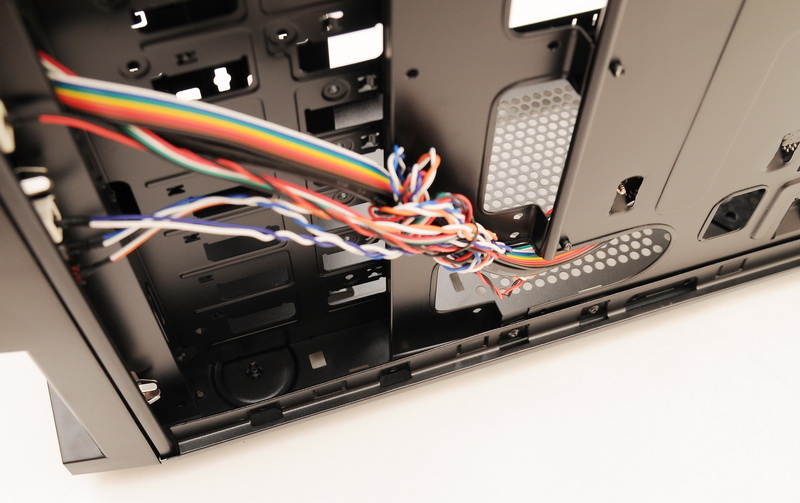
面板線材走線方式
http://picx.xfastest.com/elvis/Chassis/Tt/Commander_MS-I/35.jpg

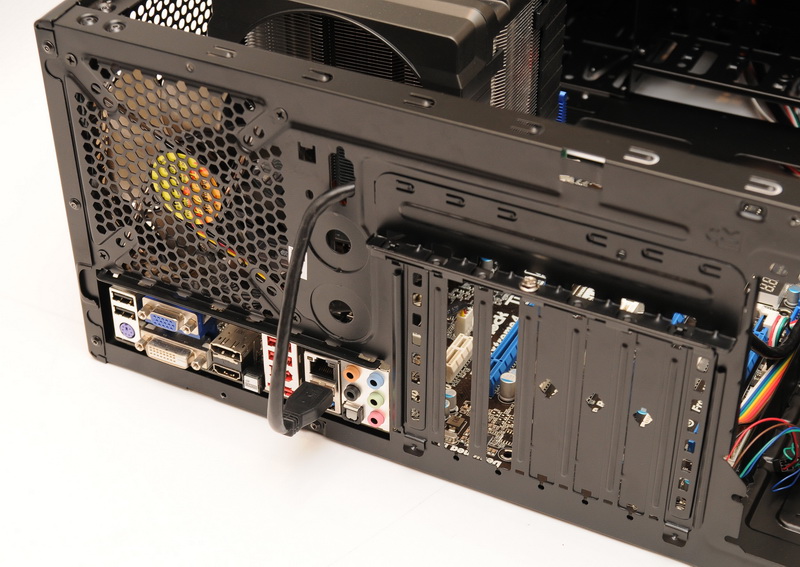
外凸式的擴充卡檔板有多附一片固定鐵片
http://picx.xfastest.com/elvis/Chassis/Tt/Commander_MS-I/38.jpg
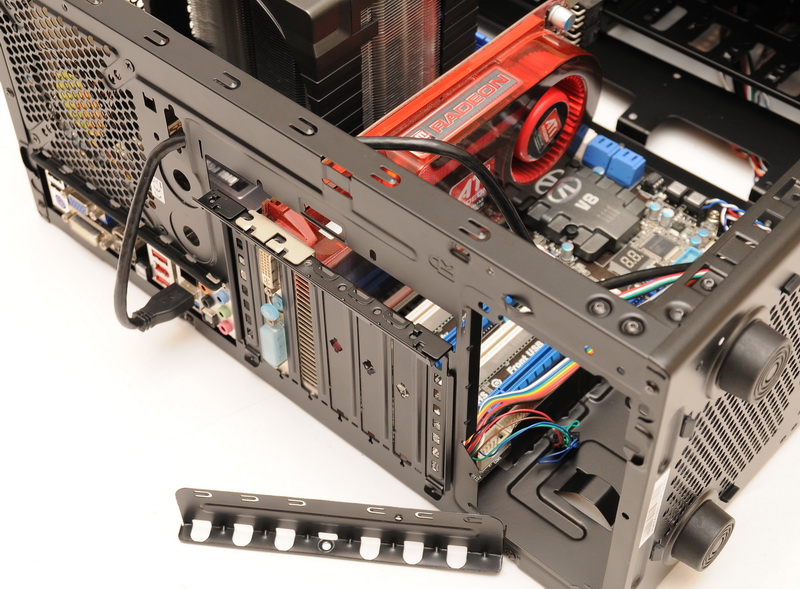
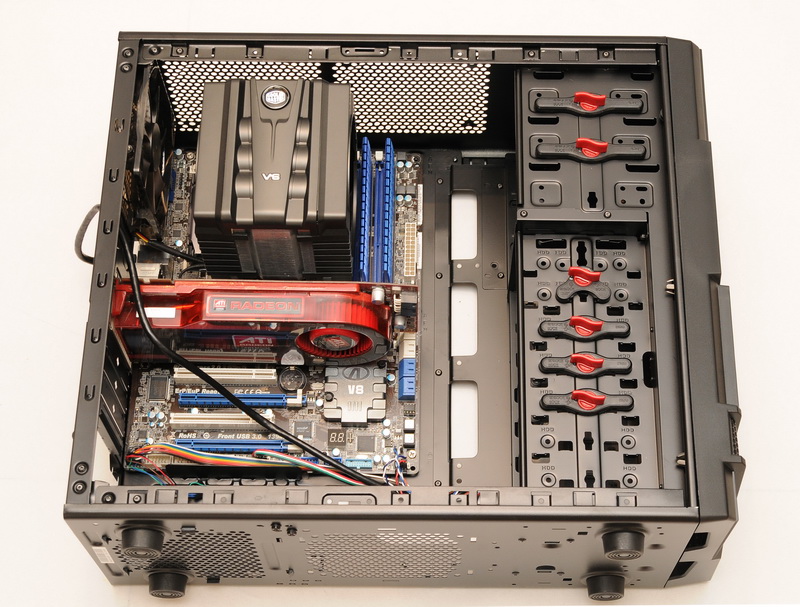
30公分的顯卡應該都沒問題
機頂空間
http://picx.xfastest.com/elvis/Chassis/Tt/Commander_MS-I/40.jpg
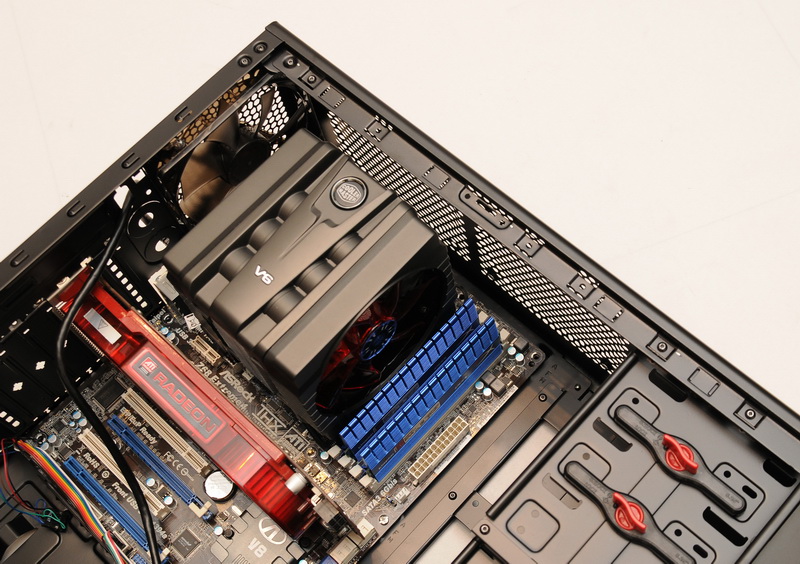
因為EPS 12V背板走線的關係只能安裝1個12公分風扇在靠前端的地方
固定PSU用的鐵片適用於一般型的PSU大小
http://picx.xfastest.com/elvis/Chassis/Tt/Commander_MS-I/43.jpg

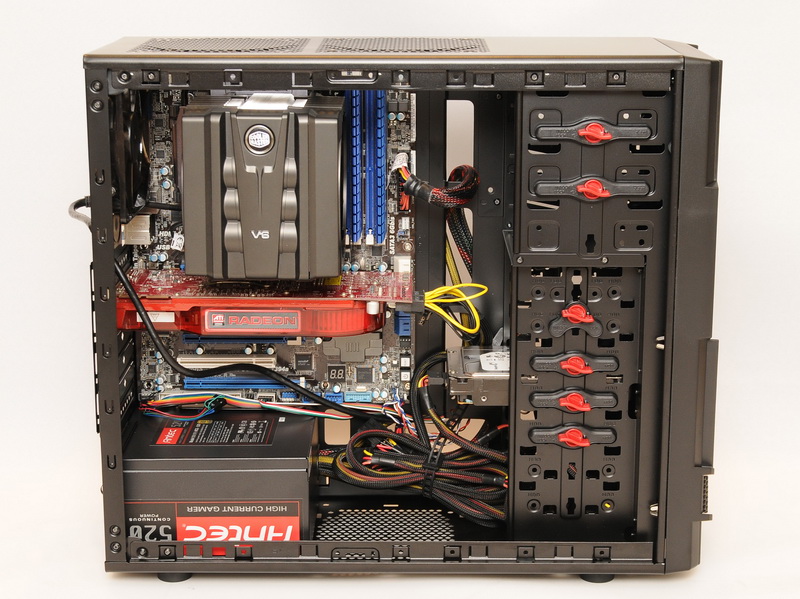
非模組化的PSU多於線材安置於機殼底部空間
http://picx.xfastest.com/elvis/Chassis/Tt/Commander_MS-I/45.jpg
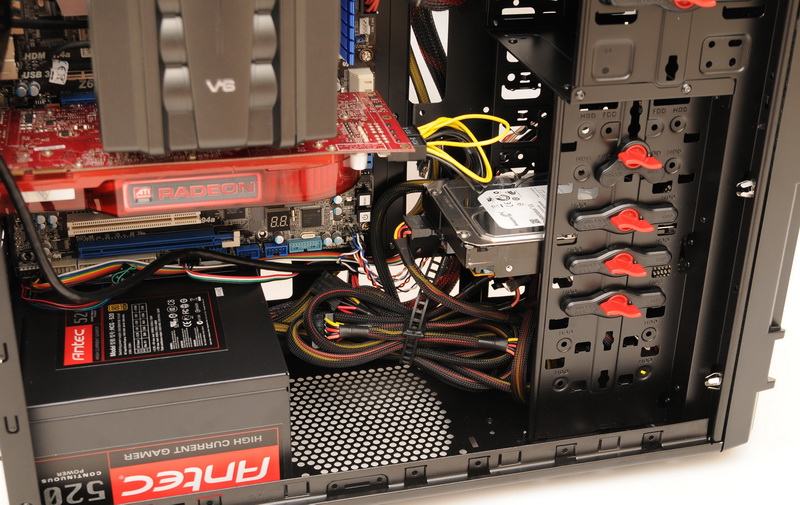
主機板專用24 pin電源線可藉由整線孔繞背增加固定度
http://picx.xfastest.com/elvis/Chassis/Tt/Commander_MS-I/46.jpg
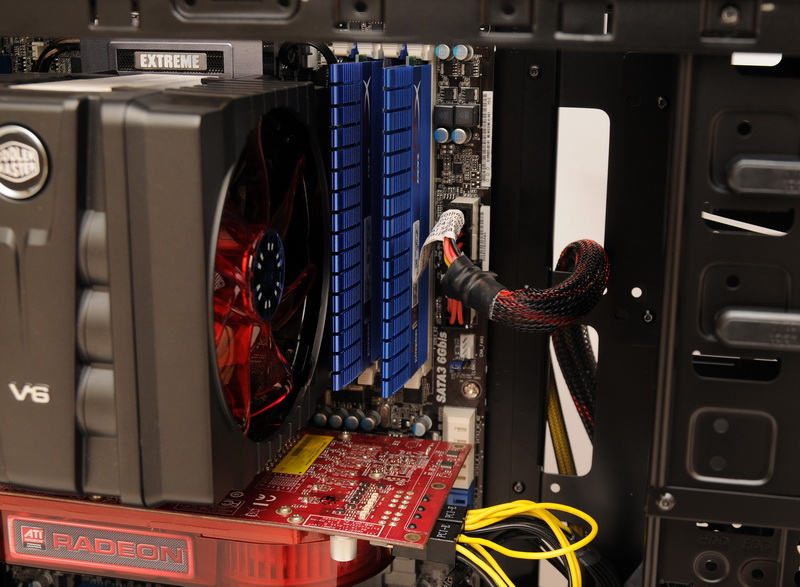


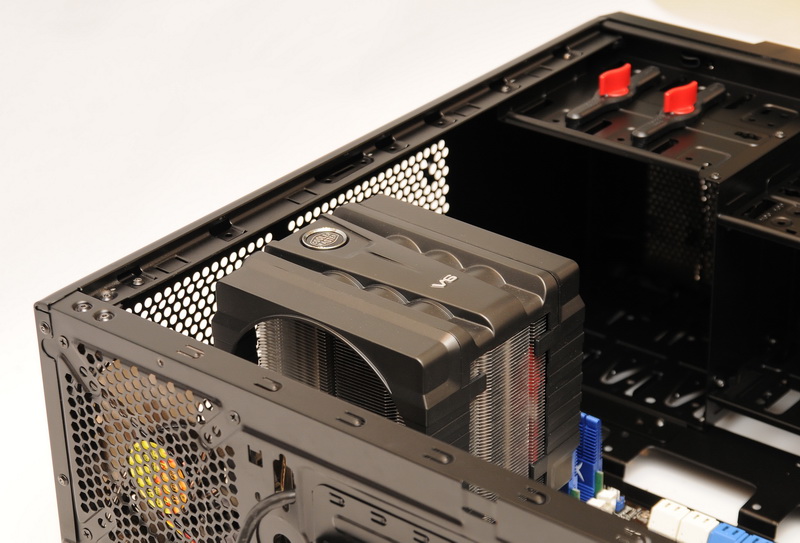

安裝V6GT沒問題
裝機心得
機身架構方面考量到不少使用者習慣與喜好,與之前推出的V3/V4相比進步了不少
包括背板整線孔與超長顯卡的支援度都比前代做得好上許多
結構情度方面依然有略為偏軟的現象,不過這倒不影響穩定度
以中低價位裝機主力的機殼來說Thermaltake曜越 Commander星際指揮官 MS-I
該有的都有了,接下來就看市場的外觀接受度囉~
--
→
05/01 22:49,
05/01 22:49
--
※ 發信站: 批踢踢實業坊(ptt.cc)
◆ From: 220.133.46.24
推
07/19 06:48, , 1F
07/19 06:48, 1F
推
07/19 09:03, , 2F
07/19 09:03, 2F
推
07/19 10:03, , 3F
07/19 10:03, 3F
推
07/19 10:15, , 4F
07/19 10:15, 4F
推
07/19 11:14, , 5F
07/19 11:14, 5F
推
07/19 12:22, , 6F
07/19 12:22, 6F
推
07/19 12:23, , 7F
07/19 12:23, 7F
推
07/19 13:47, , 8F
07/19 13:47, 8F
推
07/19 13:56, , 9F
07/19 13:56, 9F
→
07/24 03:48, , 10F
07/24 03:48, 10F
PC_Shopping 近期熱門文章
PTT數位生活區 即時熱門文章