[測試] Intel 520系列SSD系統碟的抉擇 120GB與60GB RAID0同台較量
好讀版
http://www.xfastest.com/viewthread.php?tid=72800&fromuid=38227
===============================================================================
現今的SSD市場可說是Intel一手拉拔才成長到現今的規模,
時至今日雖然已是百家爭鳴的狀態,但Intel仍然保持著穩健的步伐,
為消費者帶來最穩定的品質。
Intel 520系列SSD內建25奈米製程的NAND快閃記憶體,其系列讀取速度可高達550MB/秒,
寫入速度也高達500MB/秒的級別。而該系列配置了256位(AES)加密技術,
可有效保護資料數據免受外部威脅和內部系統障礙,當電腦因故被盜或是不慎丟失時,
不必擔心私人資料外洩的問題。
以下已一般系統碟最常使用的容量120GB為基準,
分別針對單顆120GB與兩顆60GB RAID0進行測試比較。
http://picx.xfastest.com/elvis/SSD/Intel/520/120.jpg
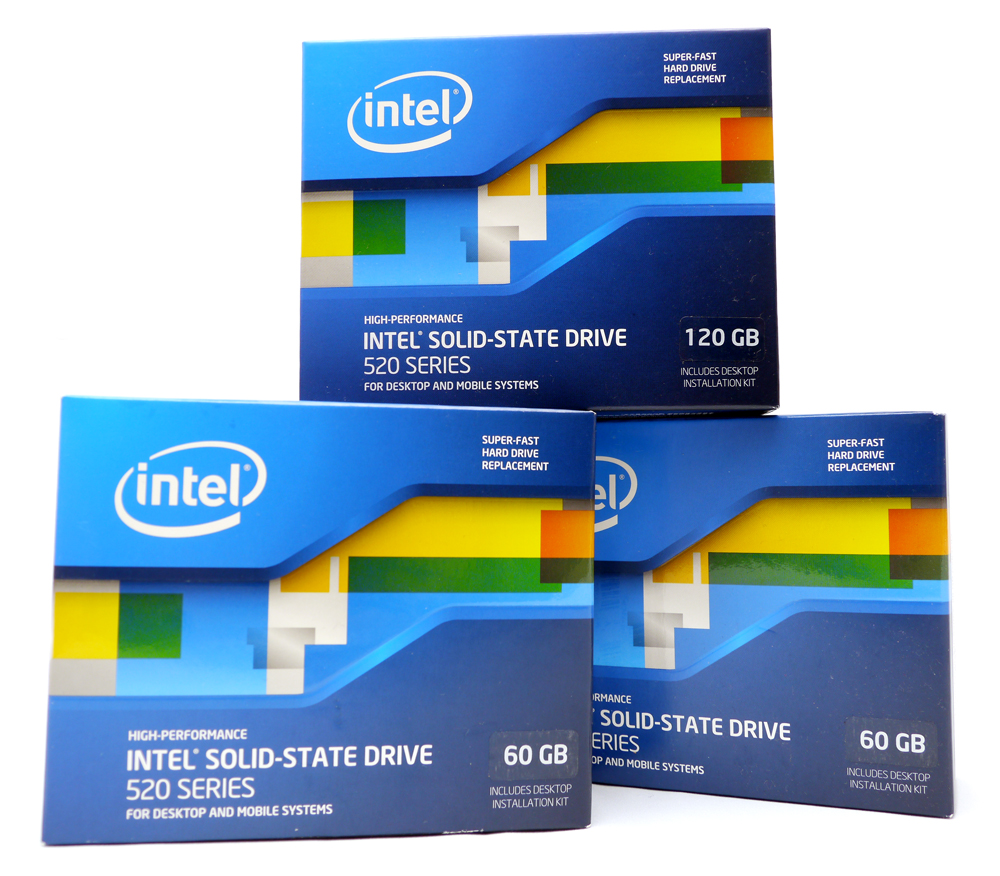
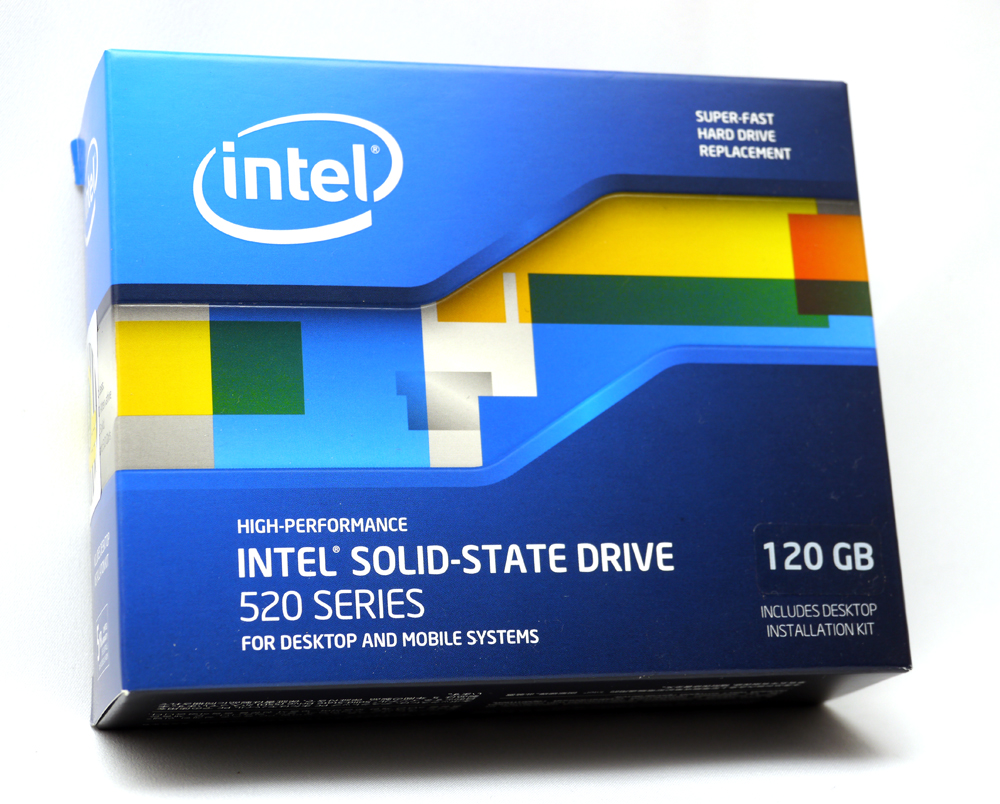
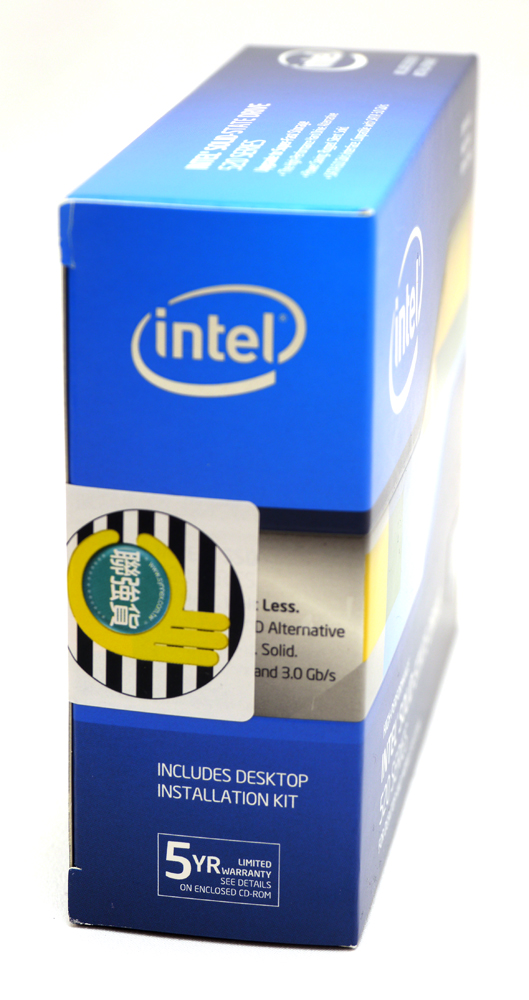
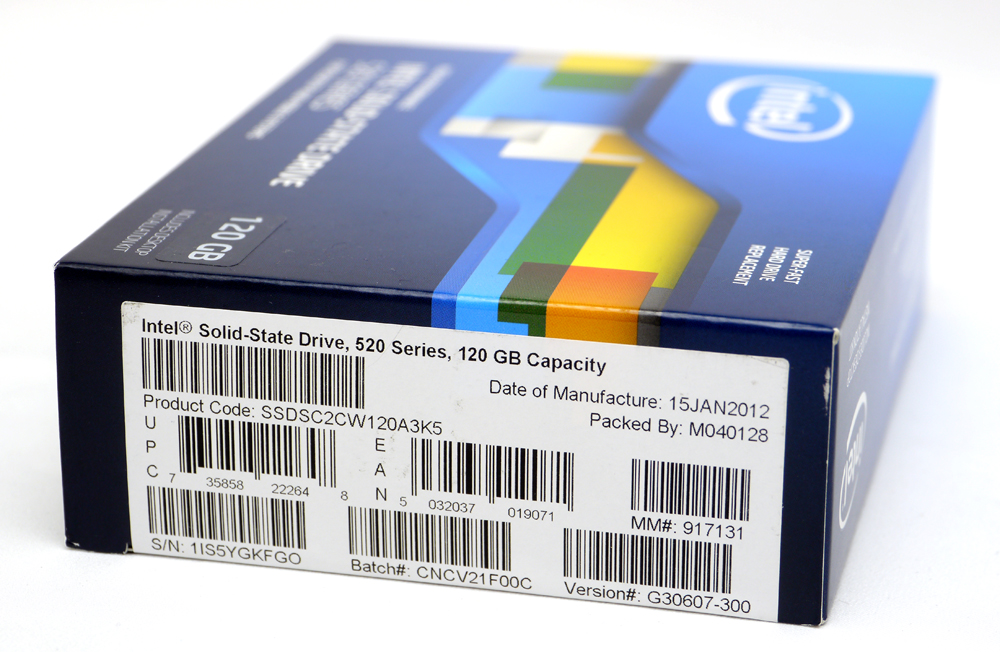
另一側則是型號、序號等條碼標籤
http://picx.xfastest.com/elvis/SSD/Intel/520/120GB/03.jpg
背面則是特色標明與5國語言說明
http://picx.xfastest.com/elvis/SSD/Intel/520/120GB/04.jpg
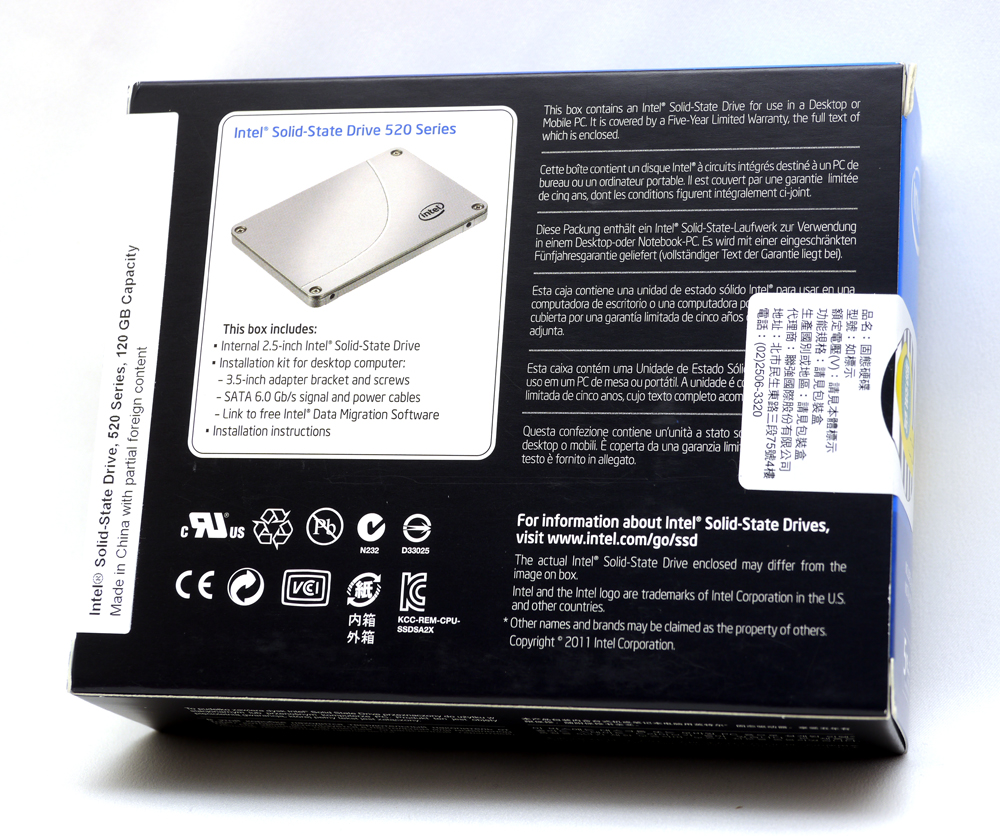
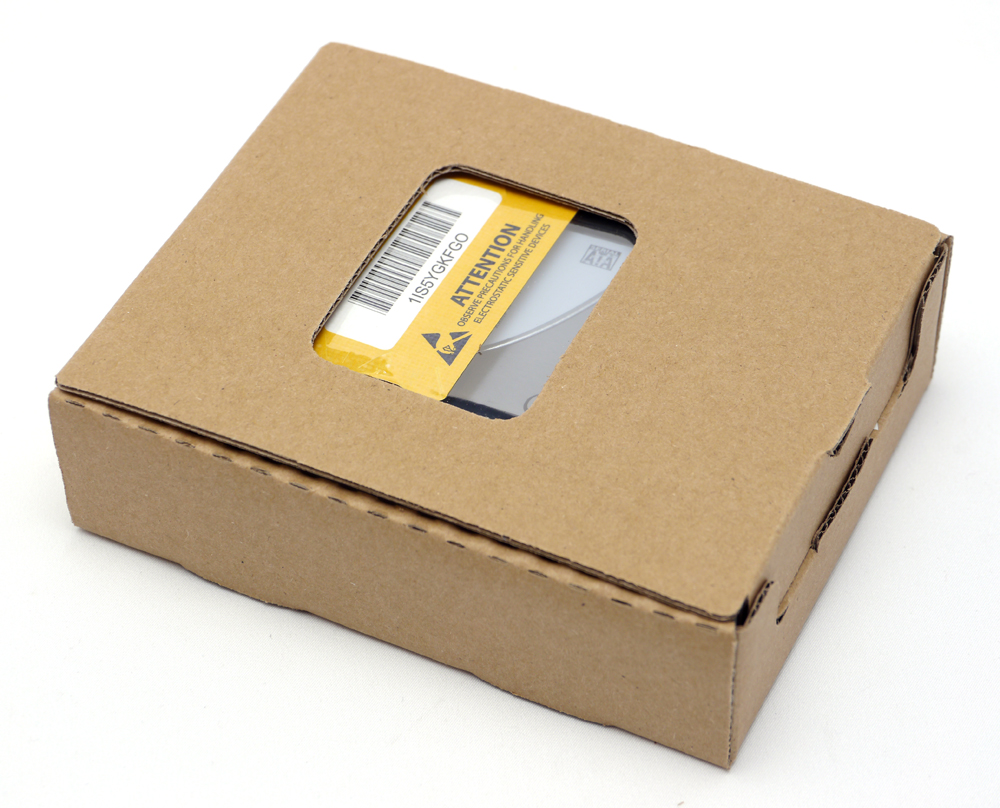
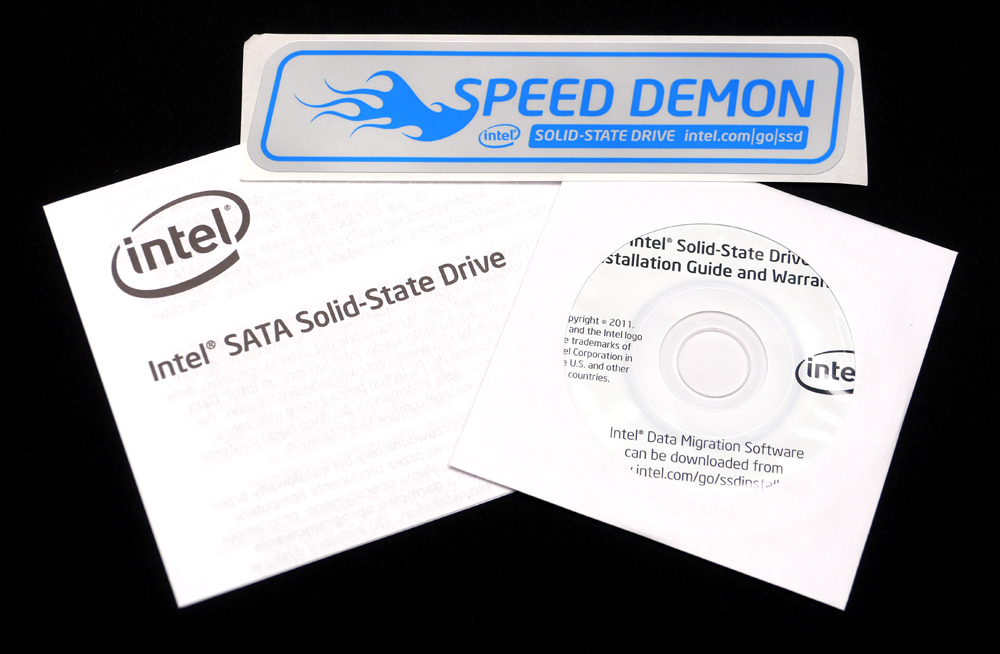
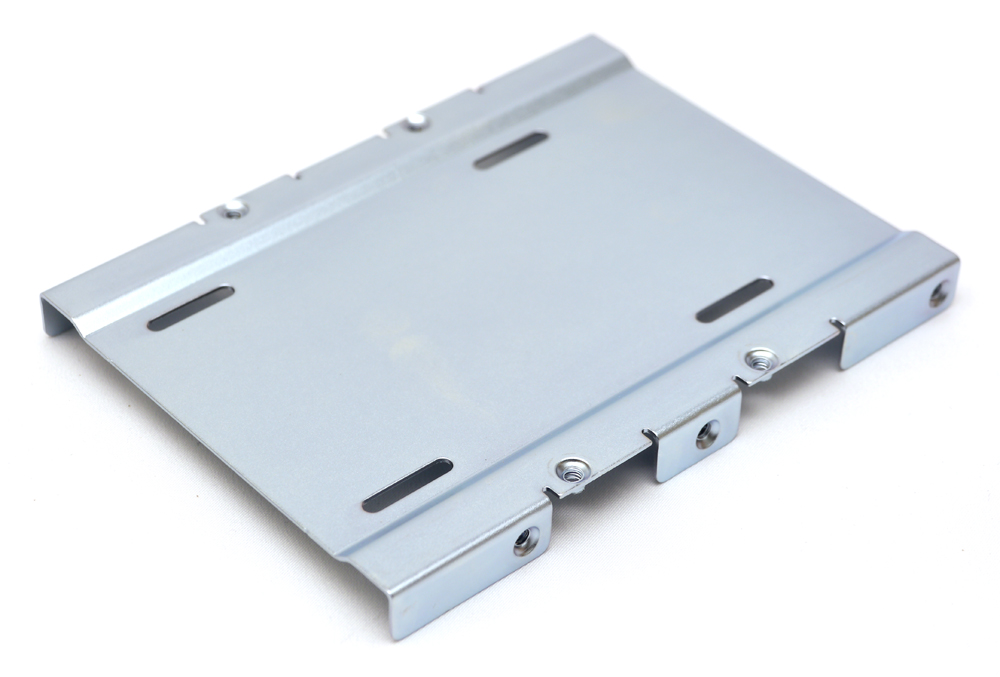
這個轉機架的螺絲鎖點設計與一般3.5"硬碟完全相同
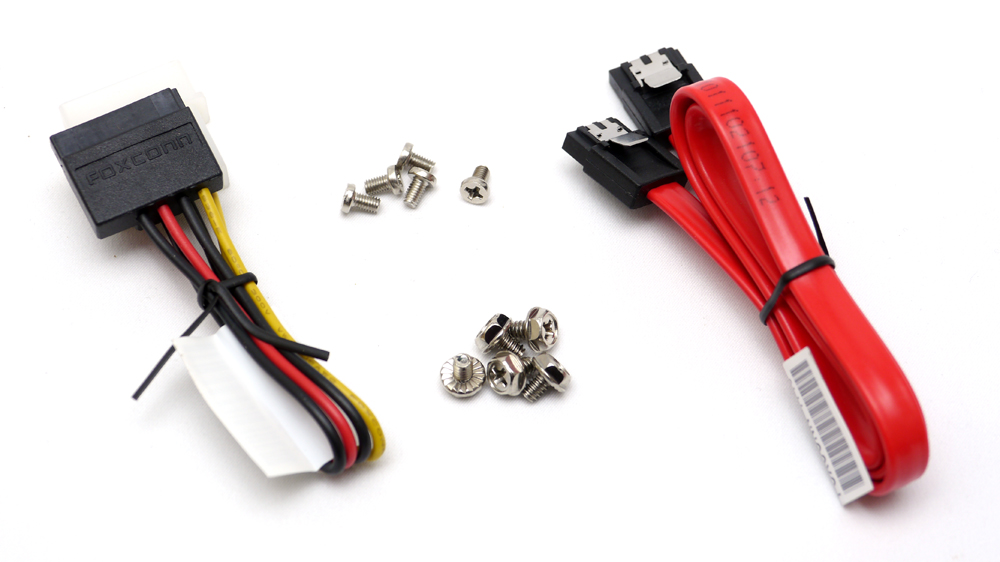
螺絲與電源/訊號線材
http://picx.xfastest.com/elvis/SSD/Intel/520/120GB/08.jpg
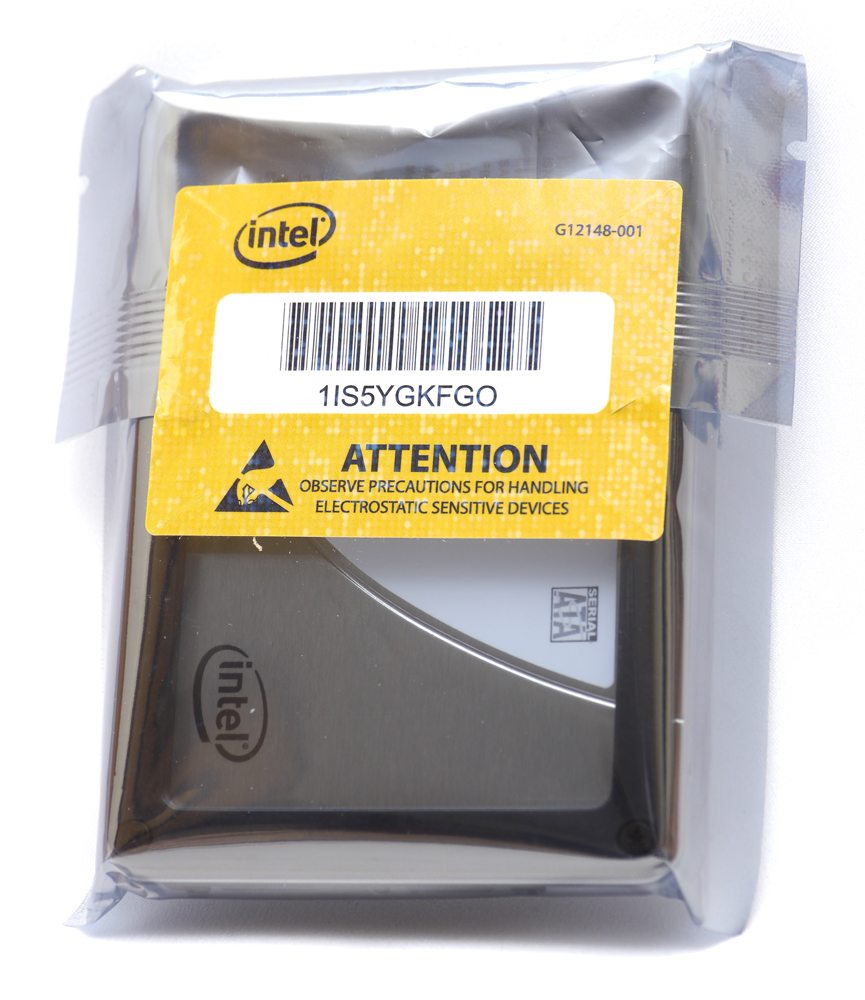
SSD本體使用完全密封的靜電袋包裝
http://picx.xfastest.com/elvis/SSD/Intel/520/120GB/09.jpg
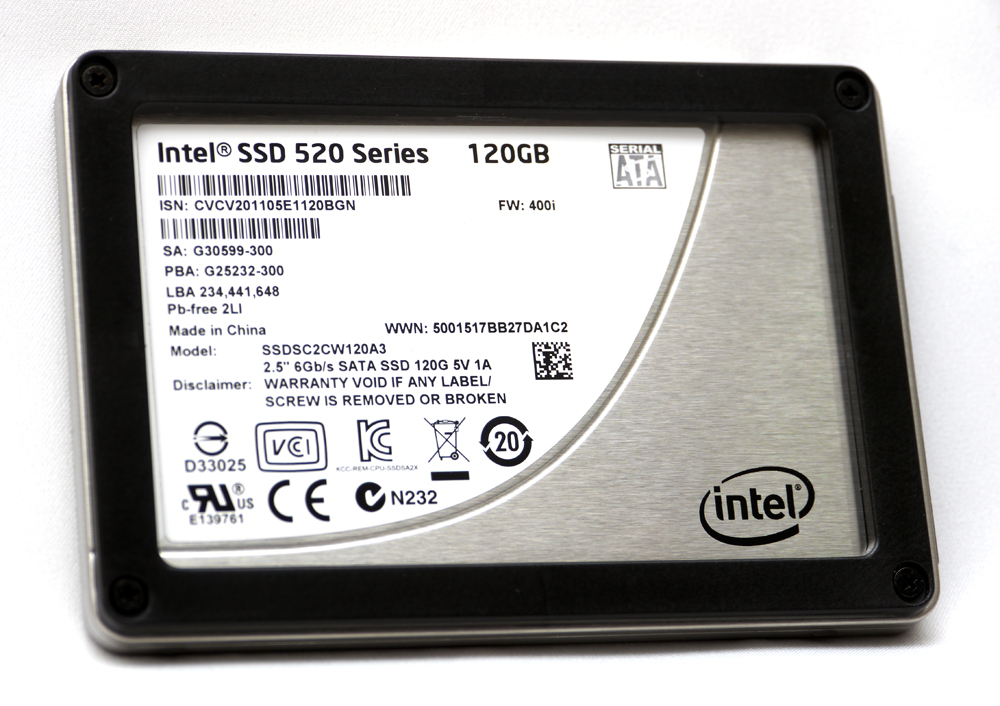
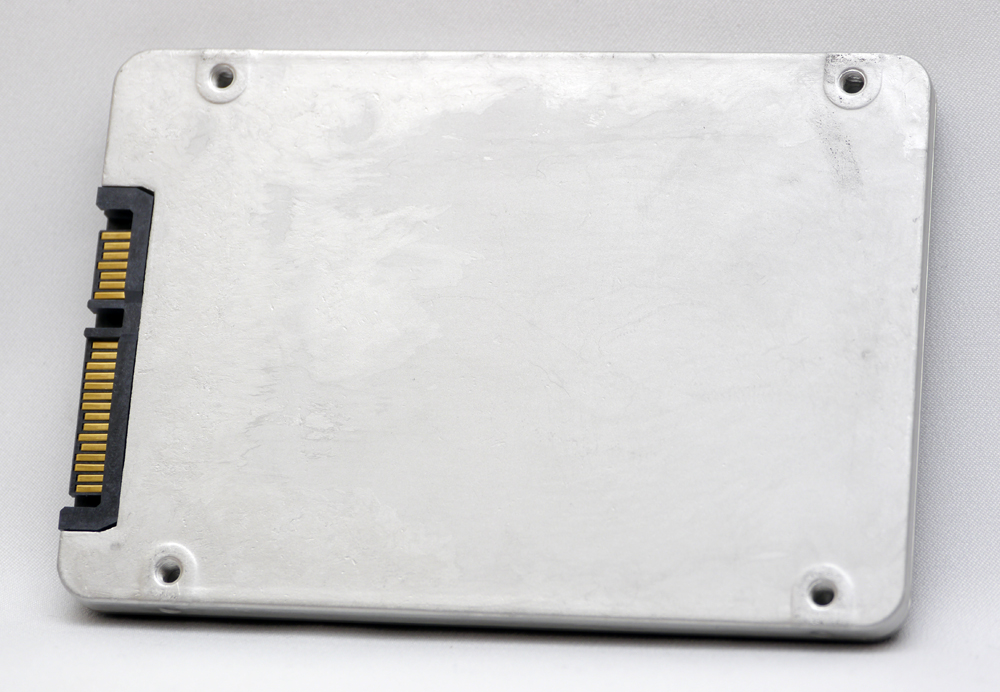
外殼材質為鋁,不過底蓋表面沒做什麼處理
http://picx.xfastest.com/elvis/SSD/Intel/520/120GB/11.jpg
上蓋的外側有鎖上強化固定用的塑膠框
http://picx.xfastest.com/elvis/SSD/Intel/520/120GB/12.jpg
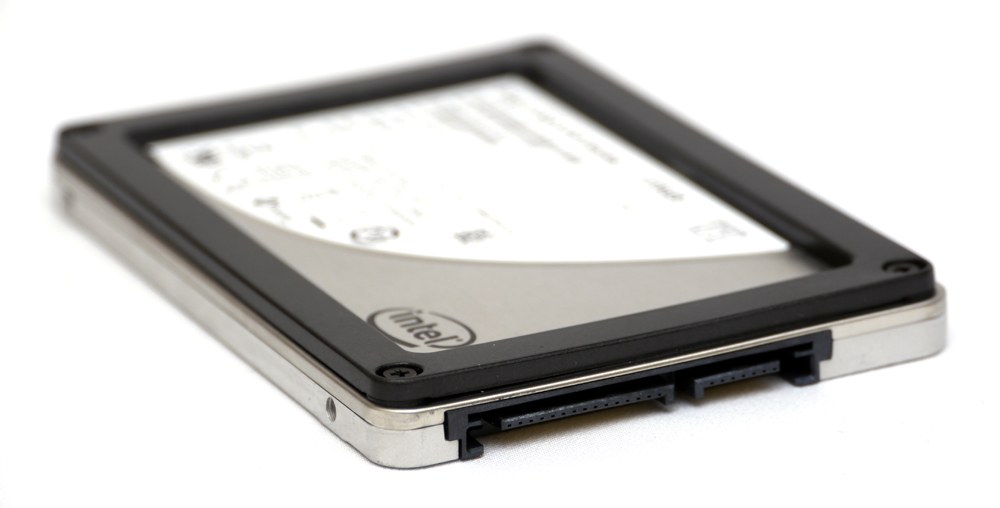
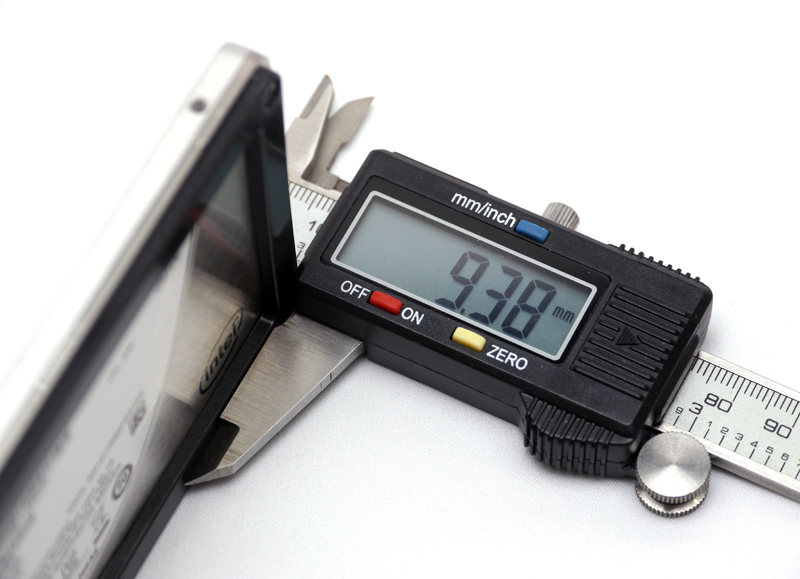
包含塑膠框的SSD整體厚度約為9.38mm
http://picx.xfastest.com/elvis/SSD/Intel/520/120GB/13.jpg
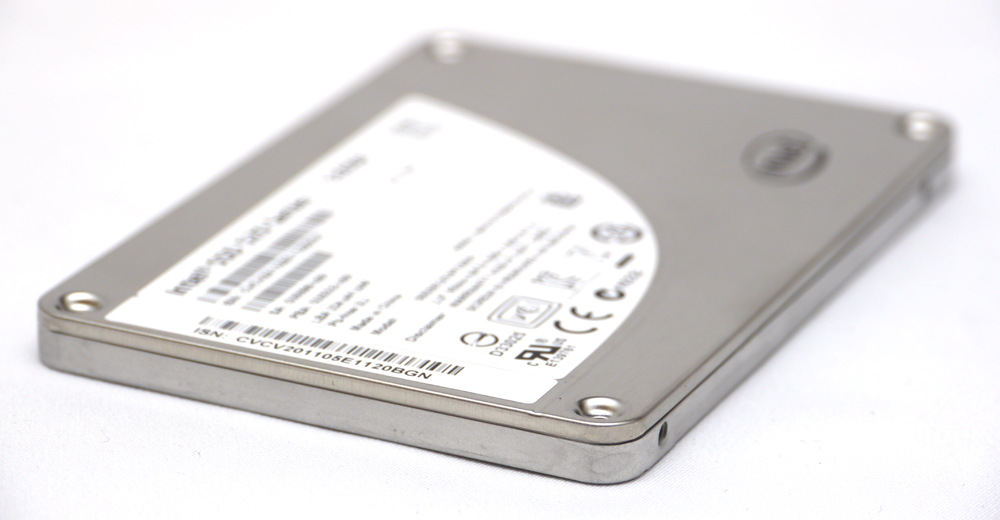
塑膠框是可卸除的,不過原本的螺絲無法再固定上蓋
http://picx.xfastest.com/elvis/SSD/Intel/520/120GB/14.jpg
卸除塑膠框後SSD整體厚度約為6.71mm
http://picx.xfastest.com/elvis/SSD/Intel/520/120GB/15.jpg
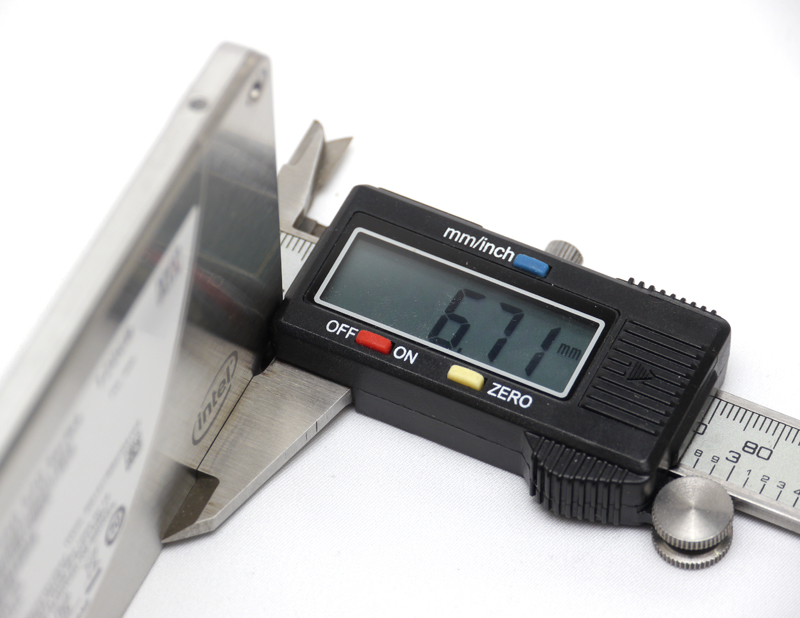
這個厚度可適應不少薄型筆記型電腦,也有部分Ultrabook採用此厚度的SSD
SSD的PCB本體
http://picx.xfastest.com/elvis/SSD/Intel/520/120GB/16.jpg
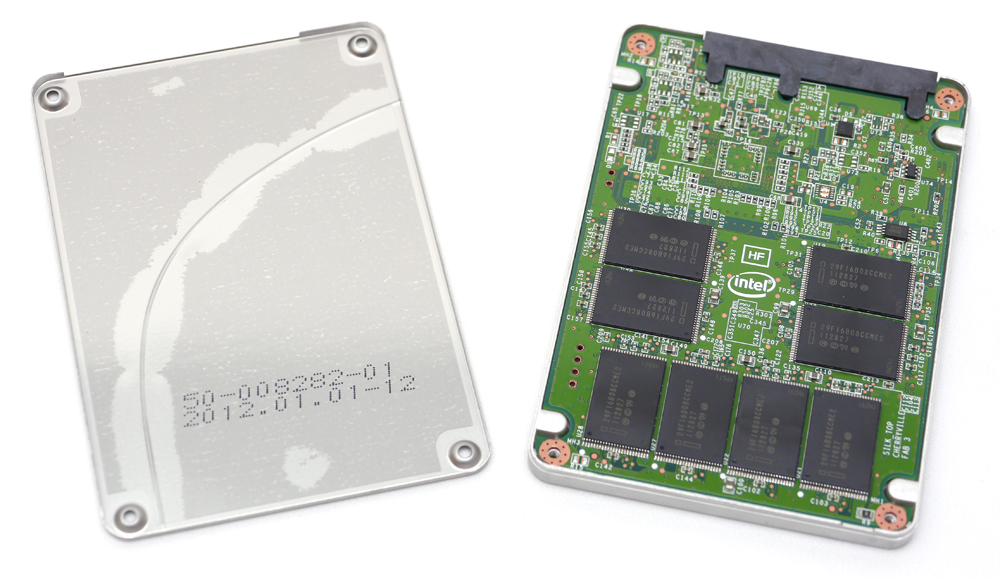
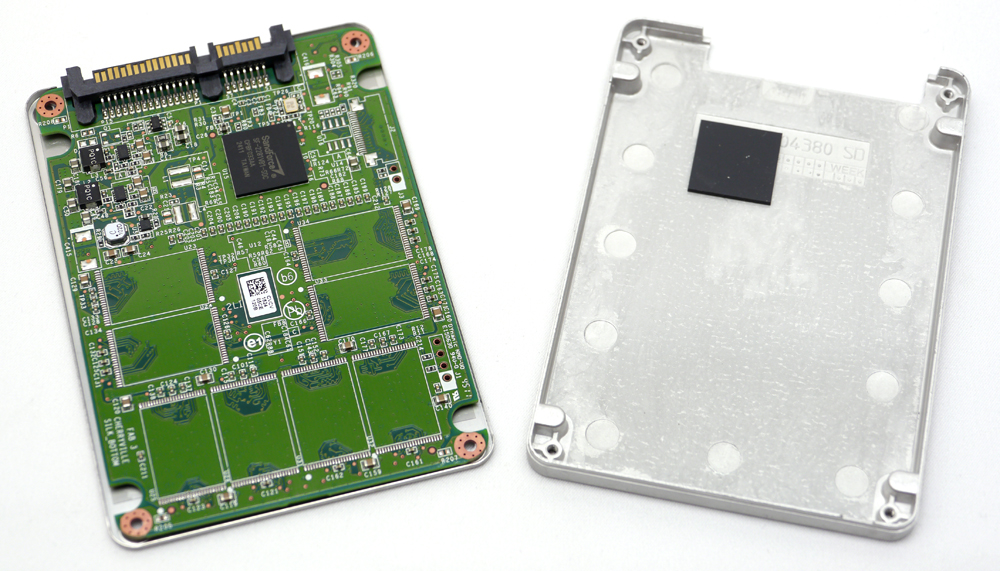
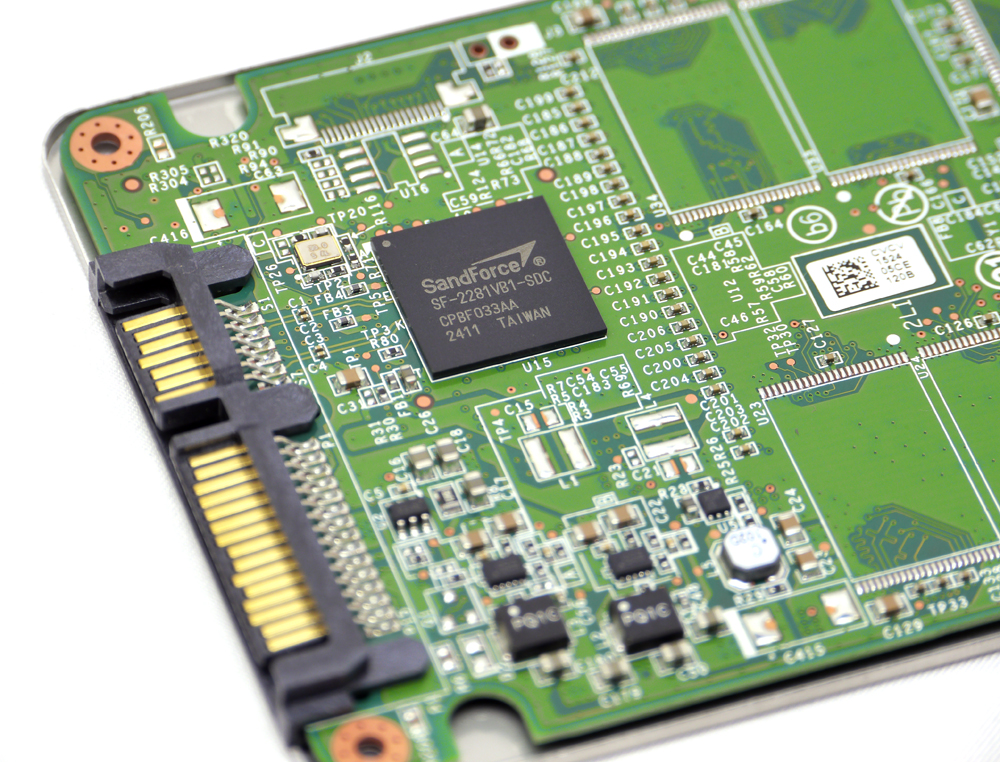
控制器使用Sandforce SF-2281VB1-SDC
http://picx.xfastest.com/elvis/SSD/Intel/520/120GB/19.jpg
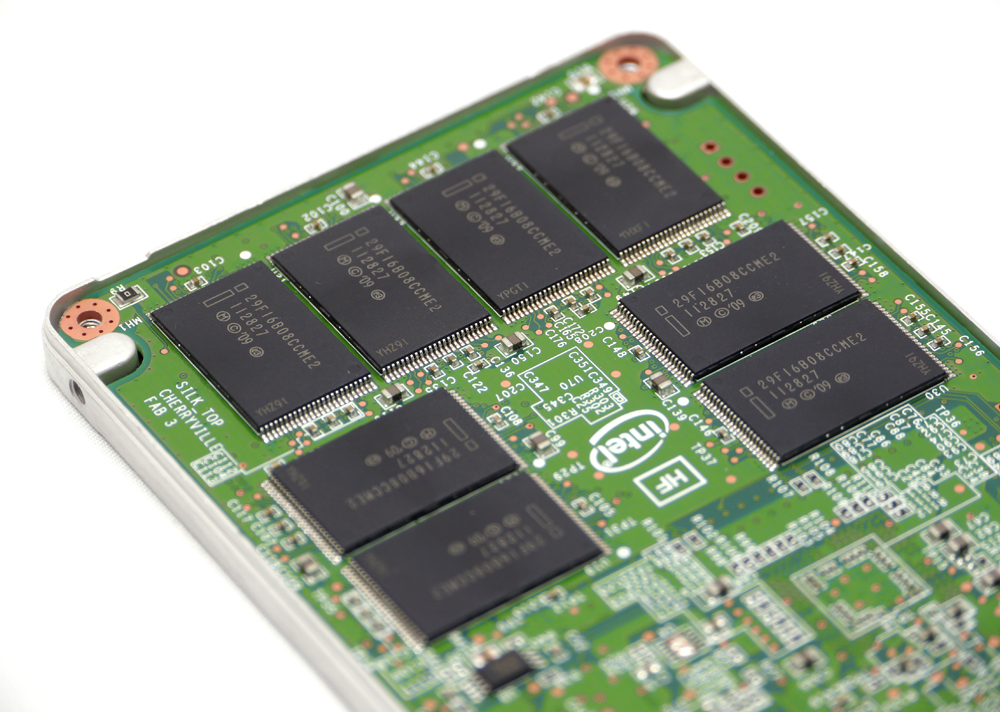
使用8顆Intel 29F16B08CCME2 128Gb的25nm MLC NAND Flash
http://picx.xfastest.com/elvis/SSD/Intel/520/120GB/17.jpg
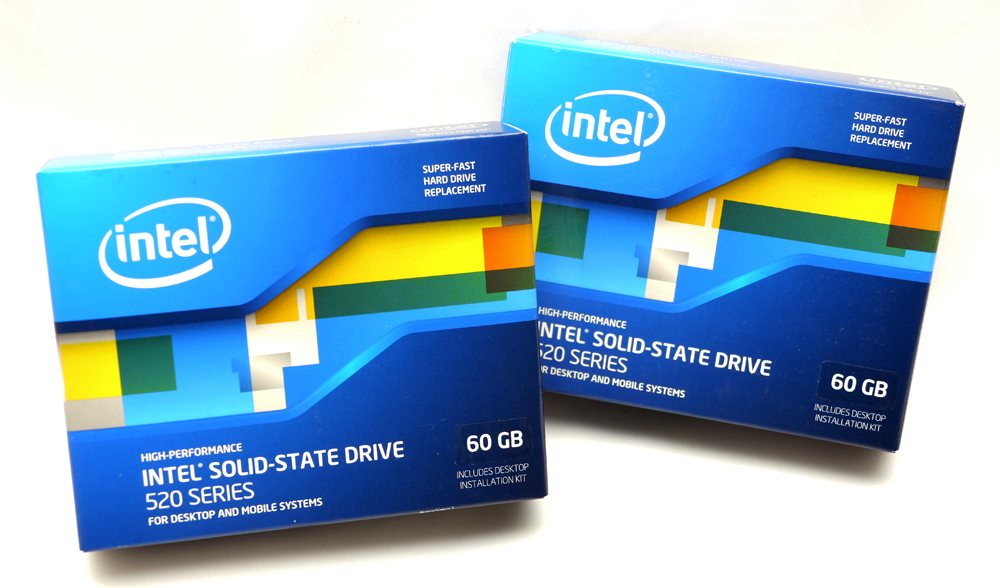
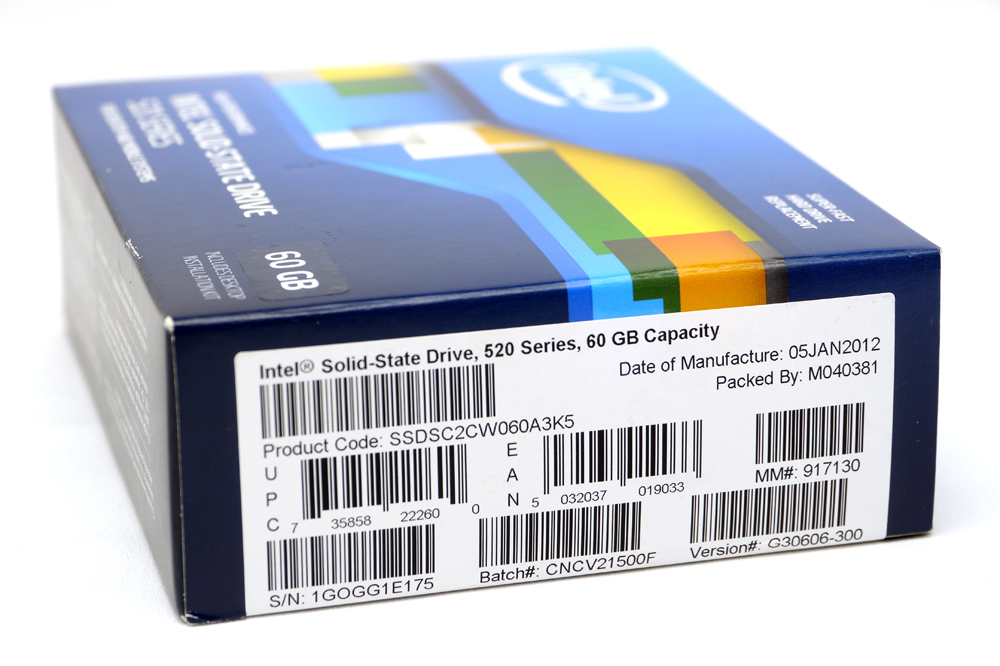
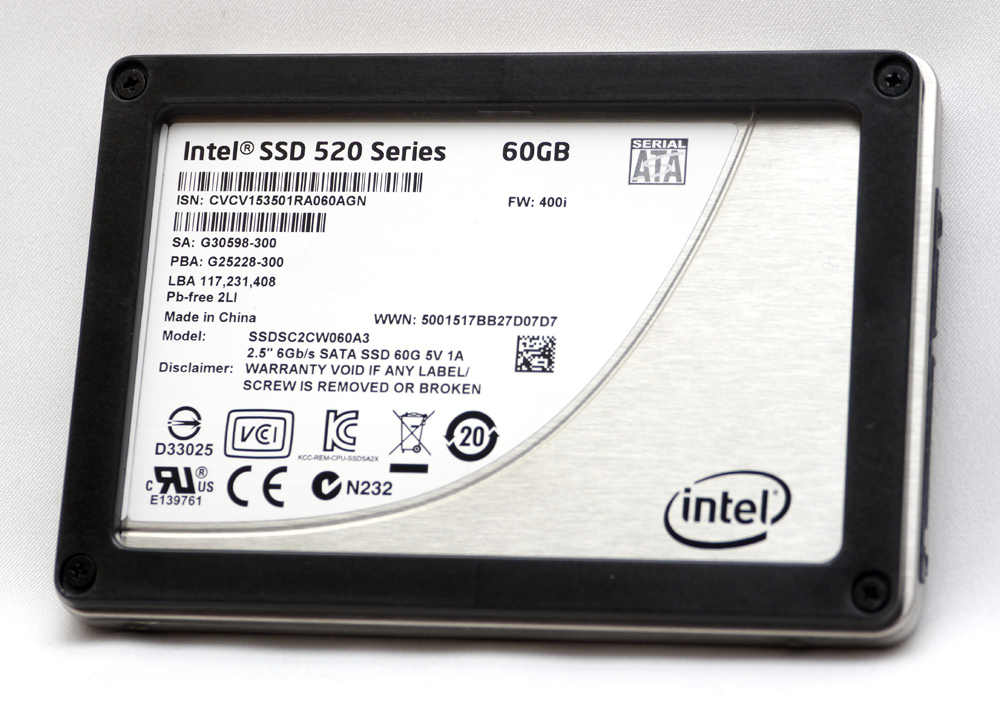
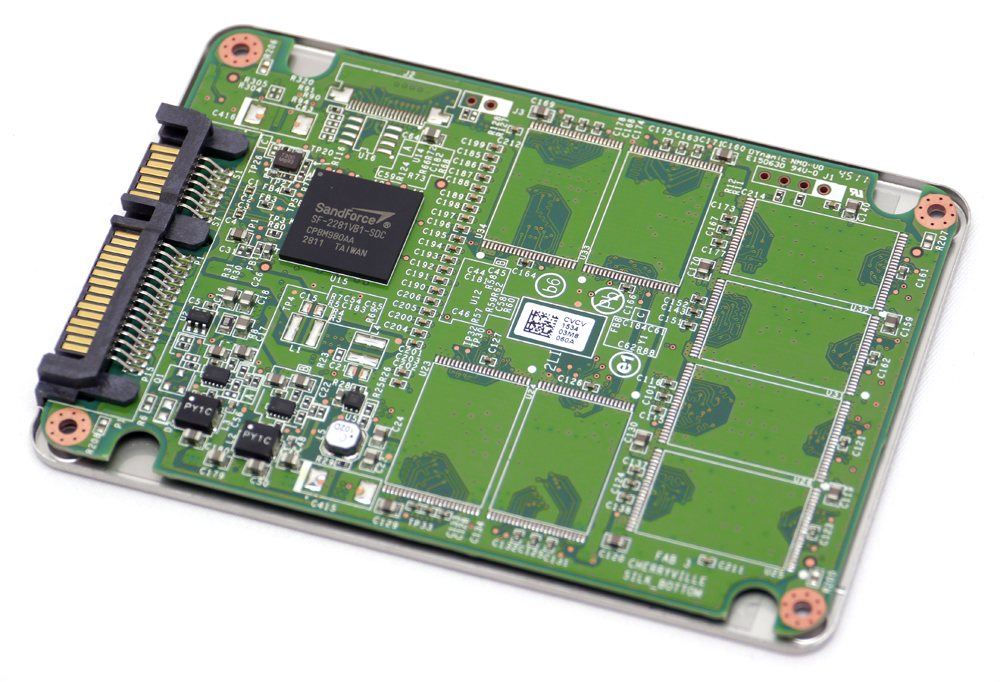
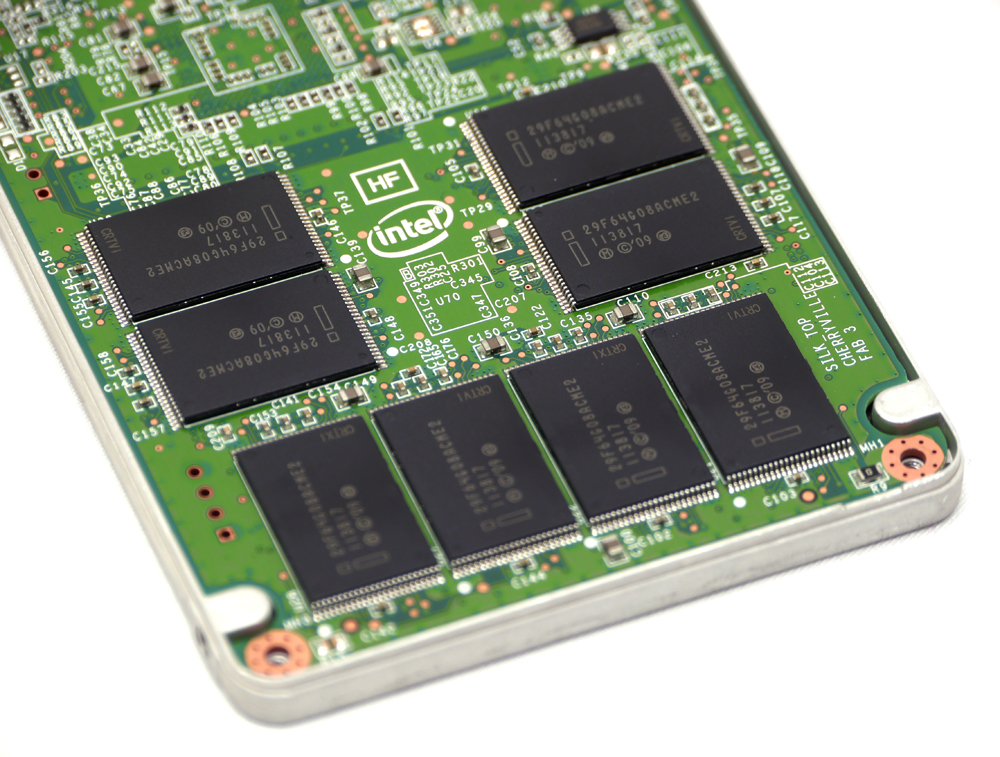
使用8顆Intel 29F64G08ACME2 128Gb的25nm MLC NAND Flash
http://picx.xfastest.com/elvis/SSD/Intel/520/60GB/04.jpg

CPU: Intel Core i7-2600K @ 5.0 GHz
Cooler: Antec KUHLER H2O 920
Thermal Compound: Antec Formula 7
MB: ASRock Fatal1ty Z68 Professional Gen3
RAM: Kingston HyperX H2O DDR3 @ 2133MHz 9-10-9-27
Graphic: Galaxy GTX 560 Ti White Edition
Storage: Kingston SSD Now V+100 128GB
PSU: Antec High Current Pro HCP-1200W
Chassis: CoolerMaster Test Bench
Monitor: Dell U2410
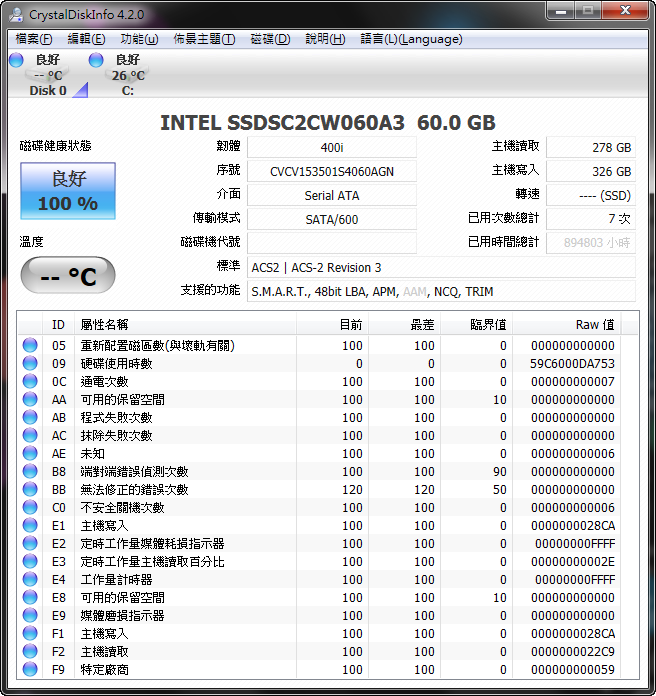
獨門絕活 SSD Toolbox介紹
Intel 固態硬碟除了擁有效能強大、穩定可靠、安全保密的特色外,
還擁有Intel獨家的軟體供使用:SSD Toolbox 固態硬碟工具箱。
Intel SSD Toolbox提供一套強大的的管理、資訊提供、以及掃描診斷的功能
以維護使用者的Intel SSD,讓使用者的Intel SSD保持在最佳狀態以及維持最佳的效能。
此外還提供了安全清除固態硬碟所有資料的功能,
亦可利用System Configuration Turner 將使用者的系統配置最佳化,
充分發揮 Intel SSD的高效能。
全新3.0版介面可輕鬆檢視SSD的詳細資料
http://picx.xfastest.com/elvis/SSD/Intel/520/Toolbox/01.png


SSD Optimizer可將SSD的狀態最佳化
http://picx.xfastest.com/elvis/SSD/Intel/520/Toolbox/02.png


System Tuner可將作業系統環境進行最佳化設置
http://picx.xfastest.com/elvis/SSD/Intel/520/Toolbox/07.png

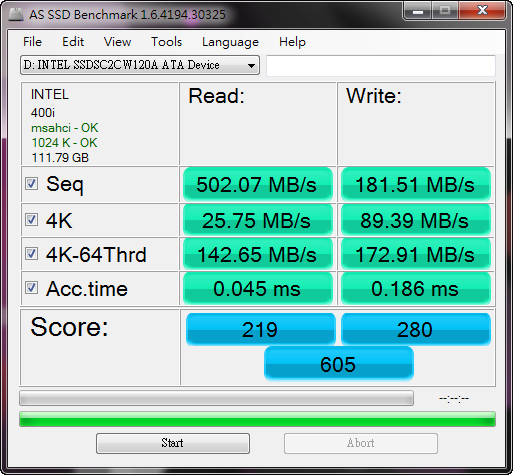
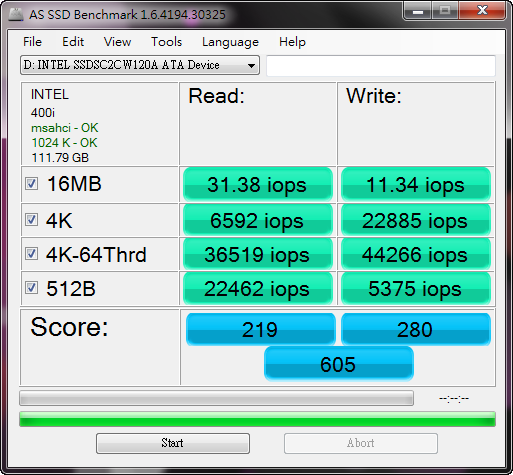
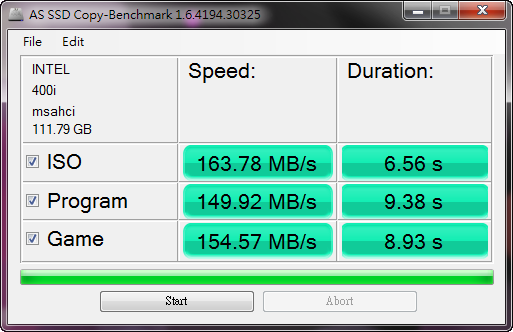
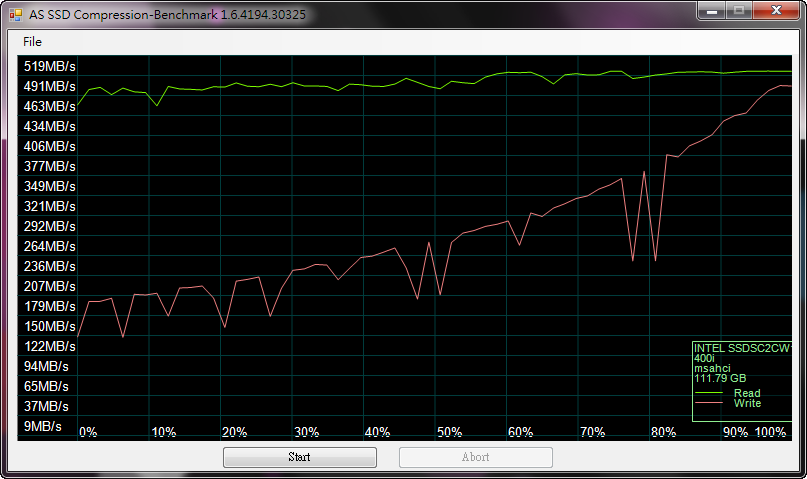
AS SSD Benchmark 1.6.4194.30325
傳輸速率
http://picx.xfastest.com/elvis/SSD/Intel/520/120GB/AS-1.png
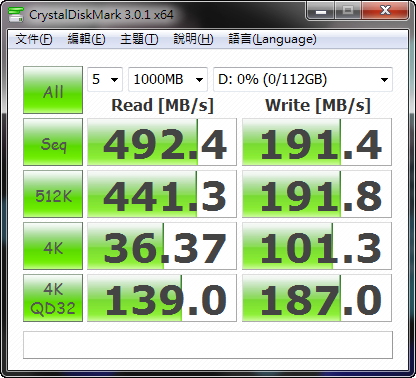
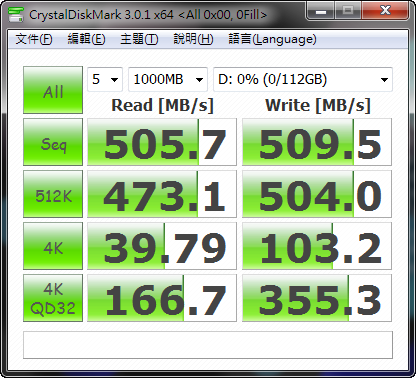
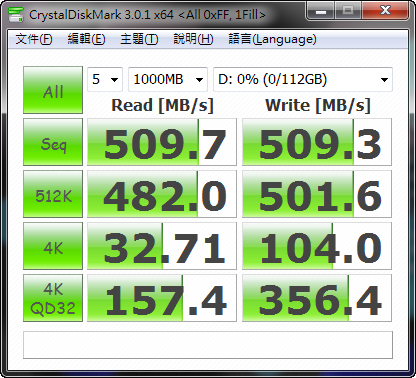
CrystalDiskMark 3.0.1c
預設隨機
http://picx.xfastest.com/elvis/SSD/Intel/520/120GB/CDM.png
ATTO Disk Benchmark 2.4.7
http://picx.xfastest.com/elvis/SSD/Intel/520/120GB/ATTO.png

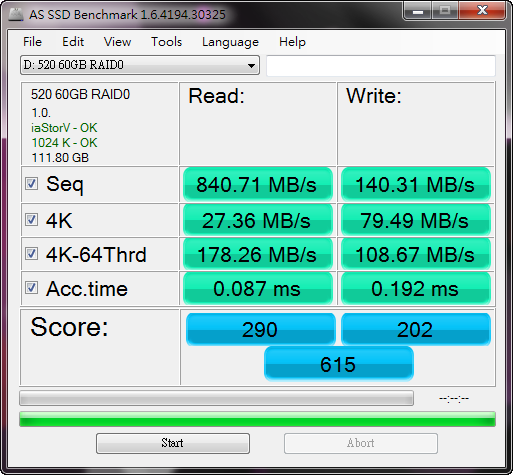
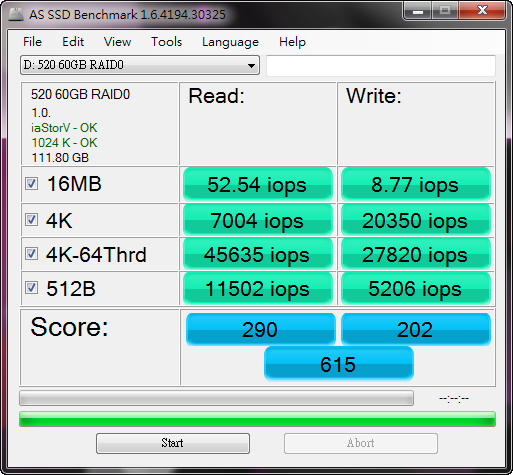
AS SSD Benchmark 1.6.4194.30325
傳輸速率
http://picx.xfastest.com/elvis/SSD/Intel/520/60GB/AS-1.png
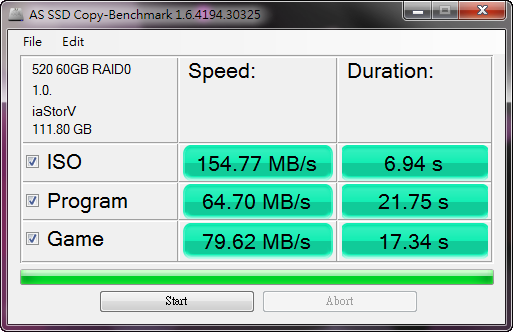
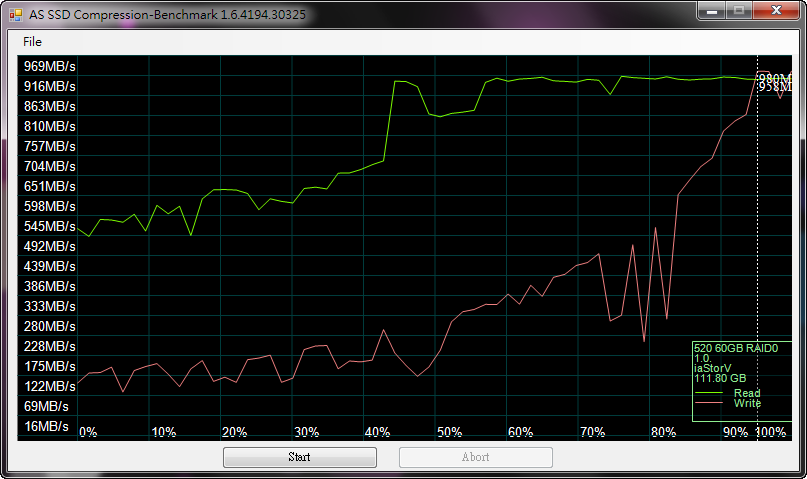
CrystalDiskMark 3.0.1c
預設隨機
http://picx.xfastest.com/elvis/SSD/Intel/520/60GB/CDM.png
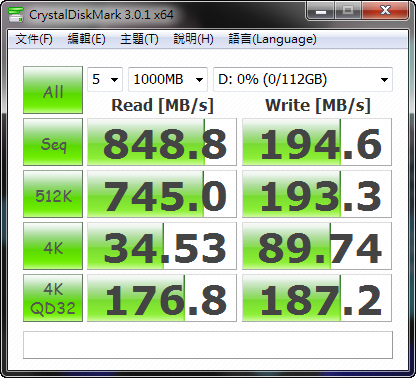

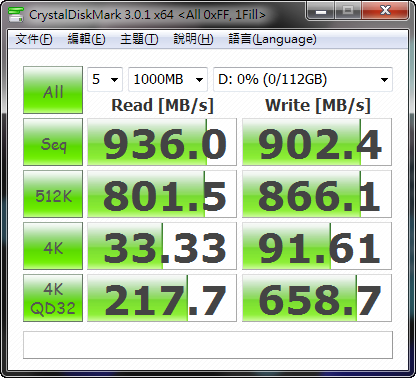
ATTO Disk Benchmark 2.4.7
http://picx.xfastest.com/elvis/SSD/Intel/520/60GB/ATTO.png

--
→
06/13 14:38,
06/13 14:38
--
※ 發信站: 批踢踢實業坊(ptt.cc)
◆ From: 114.36.60.155
※ 編輯: ChangElvis 來自: 114.36.60.155 (03/08 13:58)
推
03/08 14:03, , 1F
03/08 14:03, 1F
推
03/08 14:13, , 2F
03/08 14:13, 2F
PC_Shopping 近期熱門文章

PTT數位生活區 即時熱門文章
134
252