[開箱] 極致玩家機殼Antec Eleven Hundred登場
開心好讀版
http://www.xfastest.com/thread-70096-1-1.html
===============================================
前陣子台客兄介紹過了Performance One系列機殼的新機殼P280
這次換來介紹Antec Gaming系列
Antec Gaming系列機殼產品現有的型號有:
One Hundred(G100)
Two Hundred(G200)
Three Hundred(G300)
Nine Hundred(G900)
Nine Hundred Two(G900二代)
Eleven Hundred(G1100)
Twelve Hundred(G1200)
台客兄就來介紹隸屬於Gaming系列機殼的新旗艦機殼Eleven Hundred(以下簡稱G1100)
碩大的外箱
http://picx.xfastest.com/japan0827/G1100/1.JPG
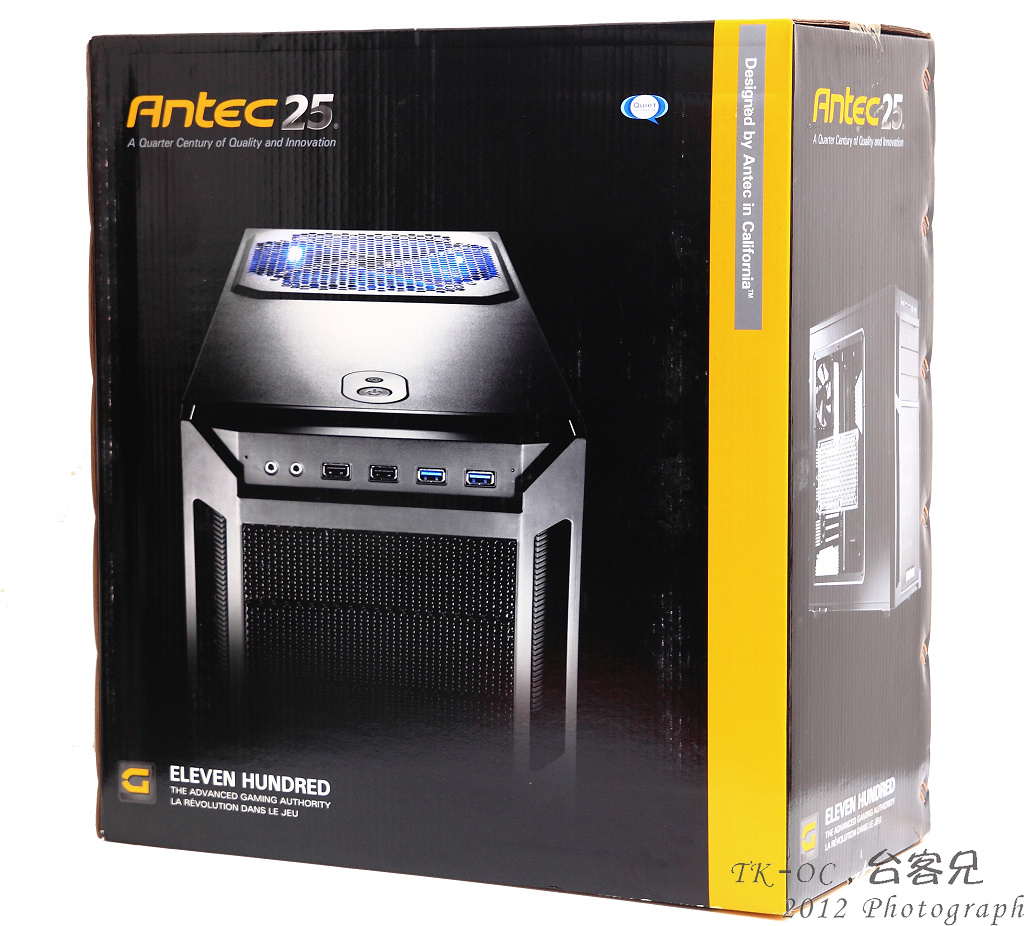
外箱側面下方標示著Eleven Hundred(G1100)型號
http://picx.xfastest.com/japan0827/G1100/2.JPG

可以看的出來Eleven Hundred(G1100)側板是採用透明的
http://picx.xfastest.com/japan0827/G1100/3.JPG
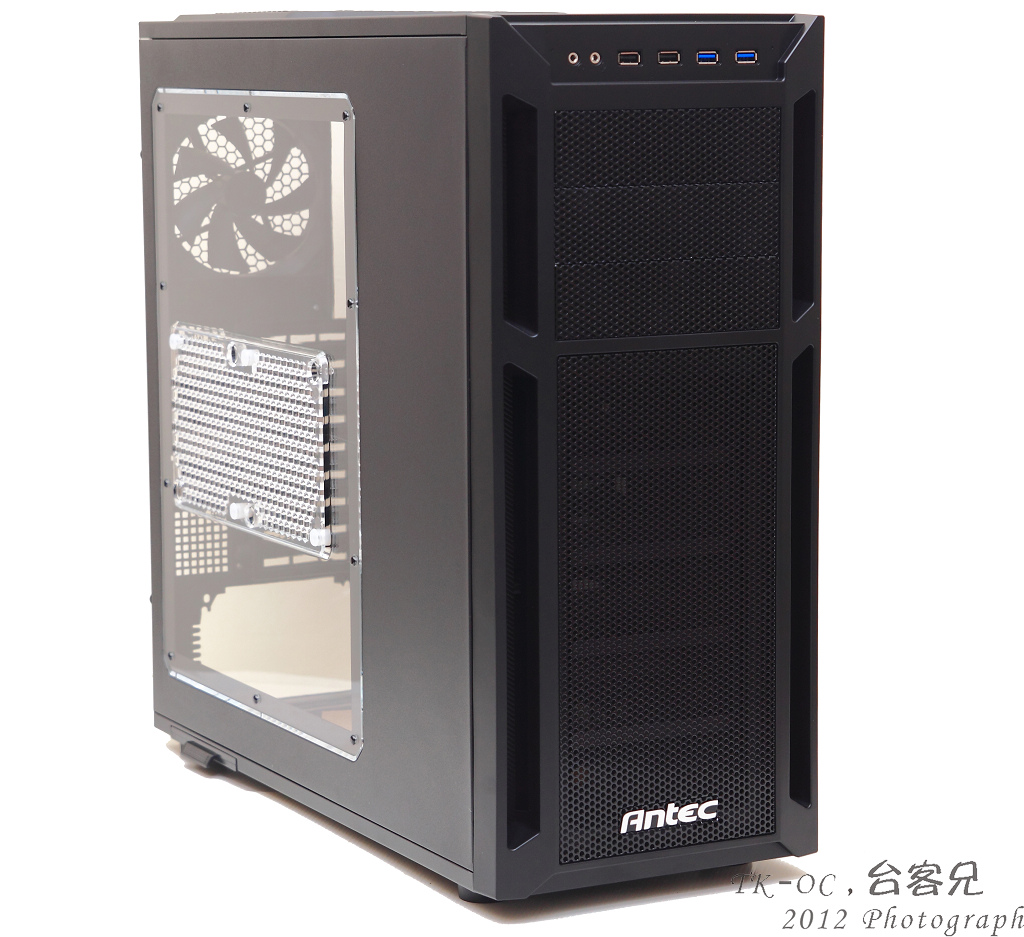
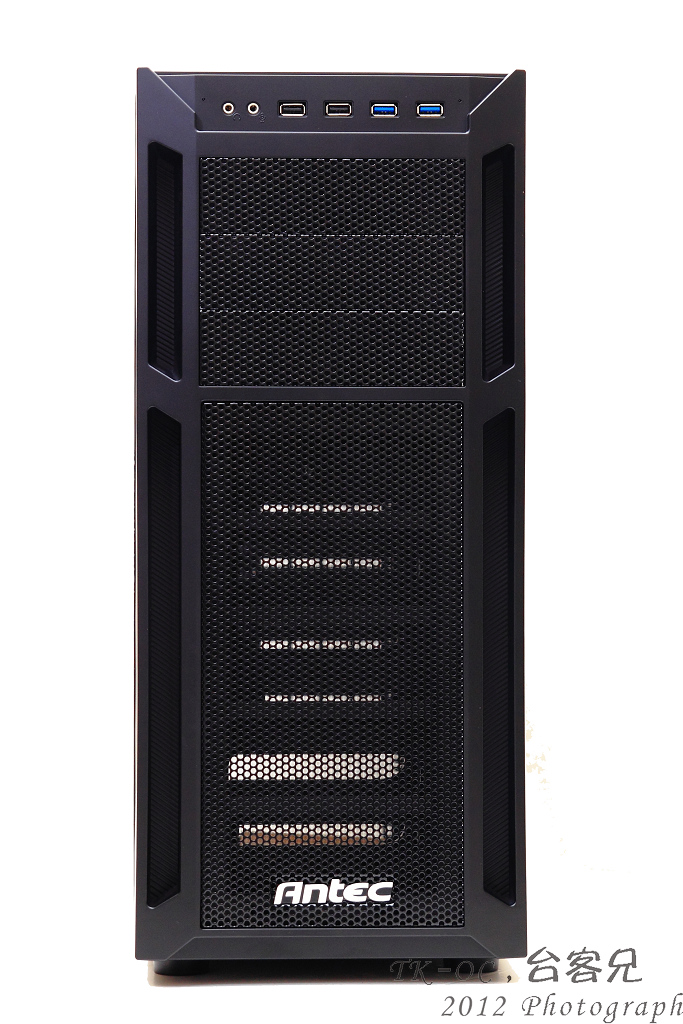
正前方設計上是以全網狀加強冷空氣進入
http://picx.xfastest.com/japan0827/G1100/4.JPG
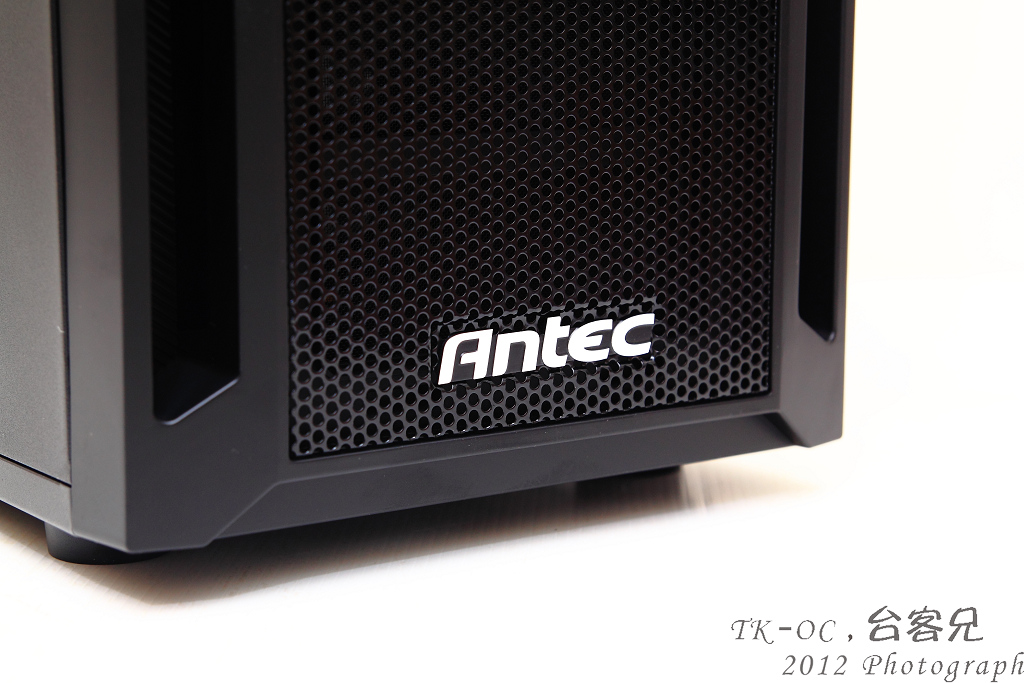
正面的最下方標示著Antec的LOGO
http://picx.xfastest.com/japan0827/G1100/5.JPG
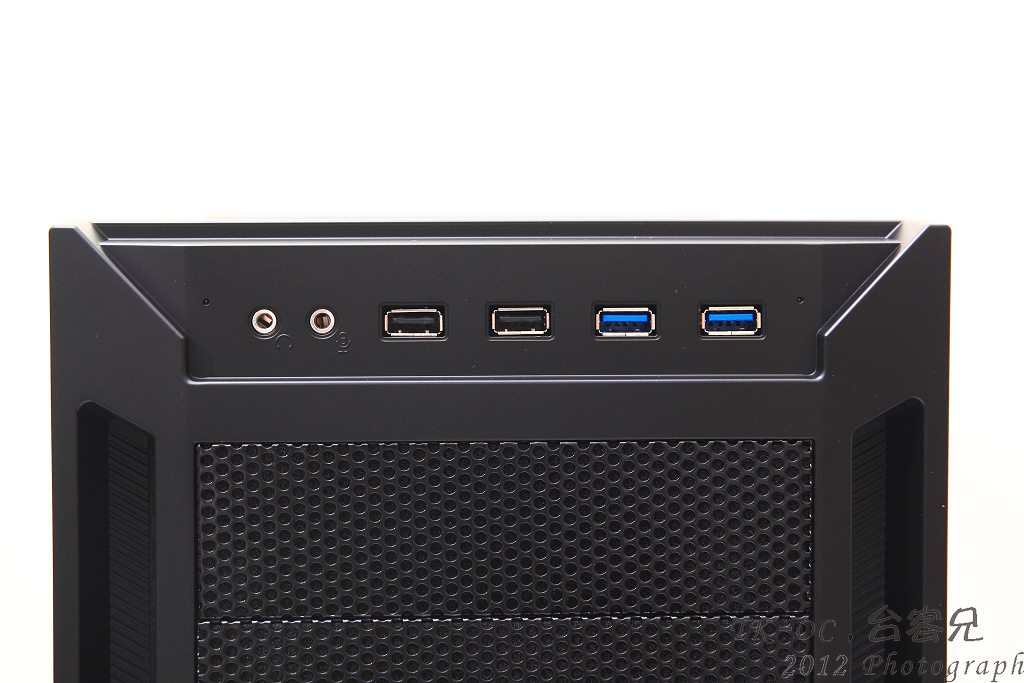
前置I/O包括Audio,2阜USB2.0 2阜USB3.0設計在機殼的上方!
方便電腦放桌下的玩家更輕易來插拔裝置
http://picx.xfastest.com/japan0827/G1100/6.JPG
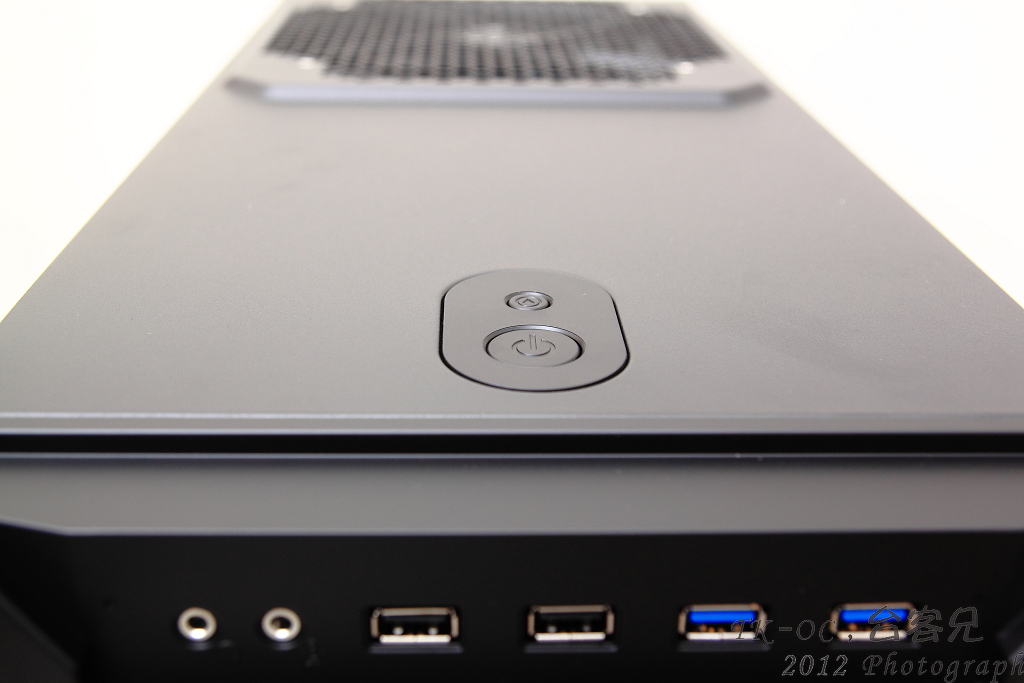
而POWER跟Reset開關則是在機殼頂端
http://picx.xfastest.com/japan0827/G1100/7.JPG
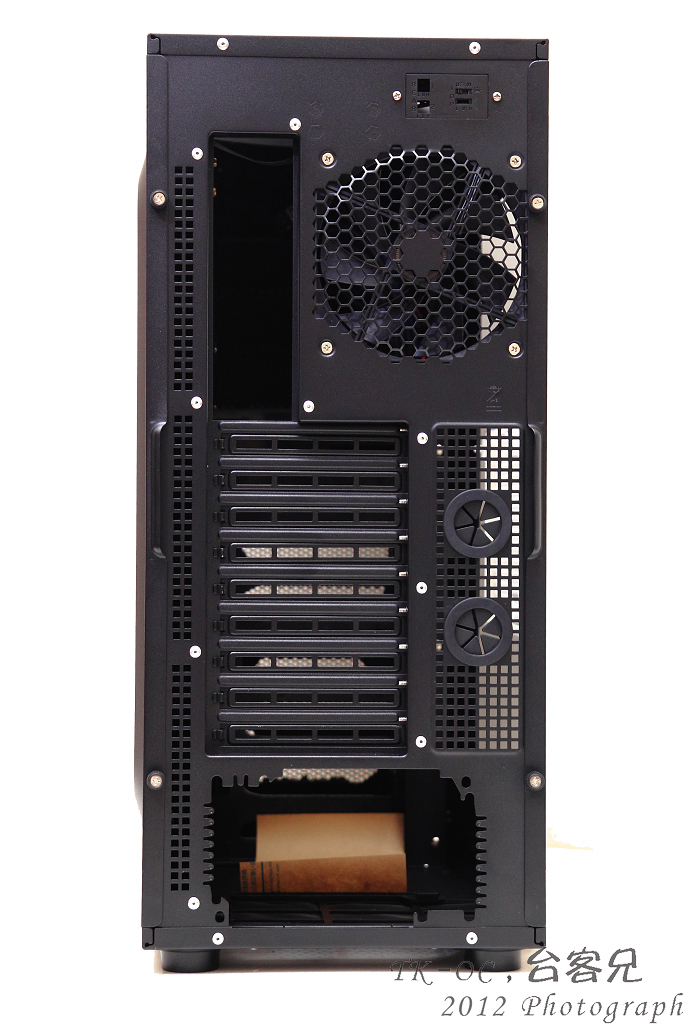
G1100後方,Power採用下置式,並預留2個水冷管出線孔,
PCI擴充槽提供了高達9組,擋版是採用可以重覆使用的方案
http://picx.xfastest.com/japan0827/G1100/8.JPG
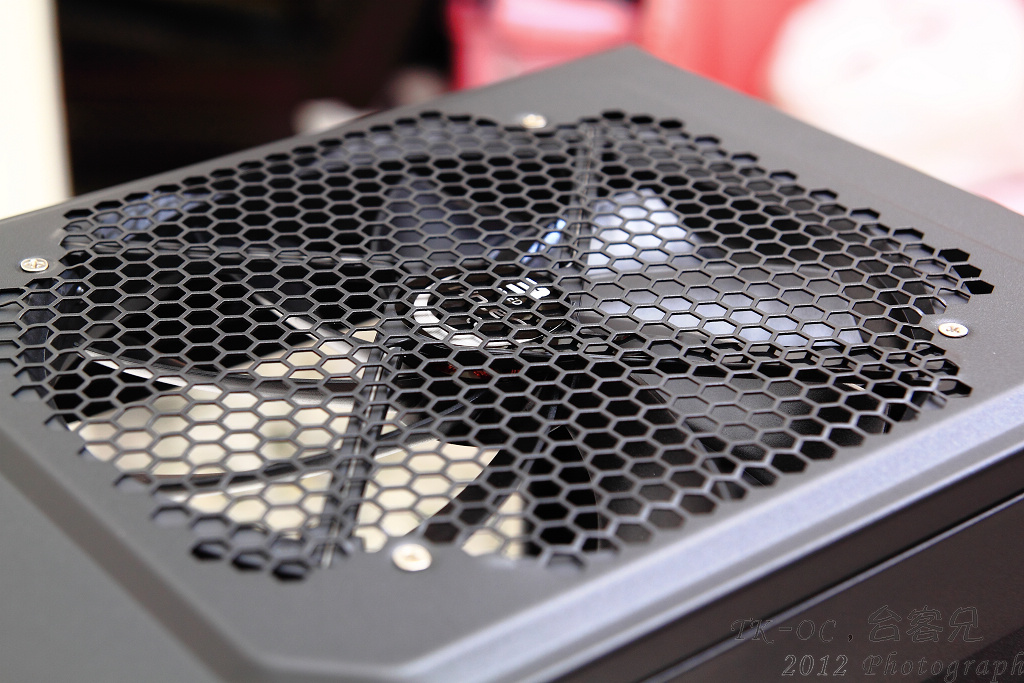
G1100頂部有顆200mm藍色LED風扇
http://picx.xfastest.com/japan0827/G1100/9.JPG
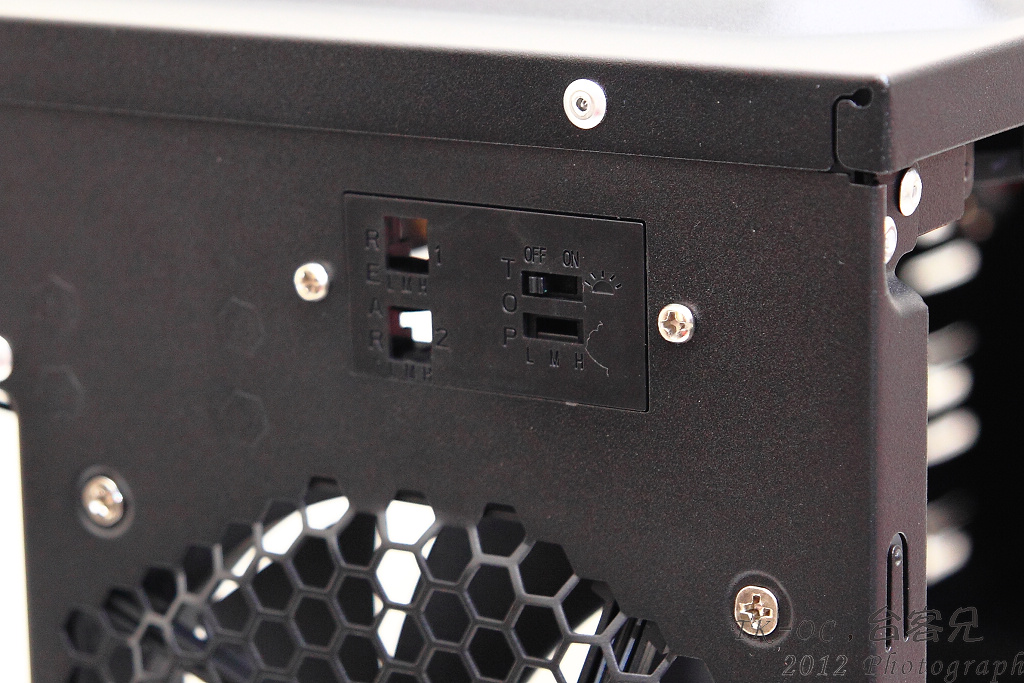
當然如果嫌藍色LED太刺眼機殼後方有開關可以單獨關閉LED燈
http://picx.xfastest.com/japan0827/G1100/10.JPG
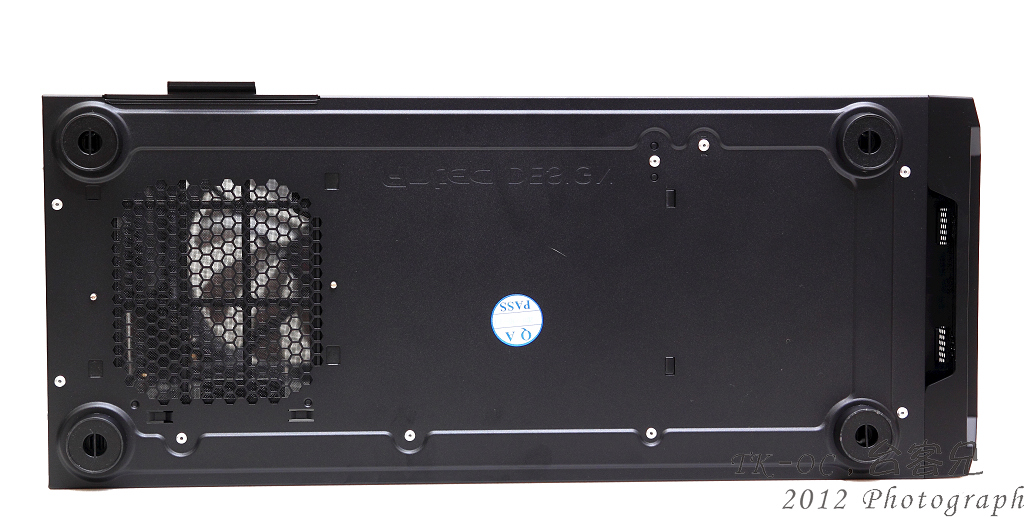
G1100底部的四個腳是採用卡榫的方式固定
http://picx.xfastest.com/japan0827/G1100/11.JPG
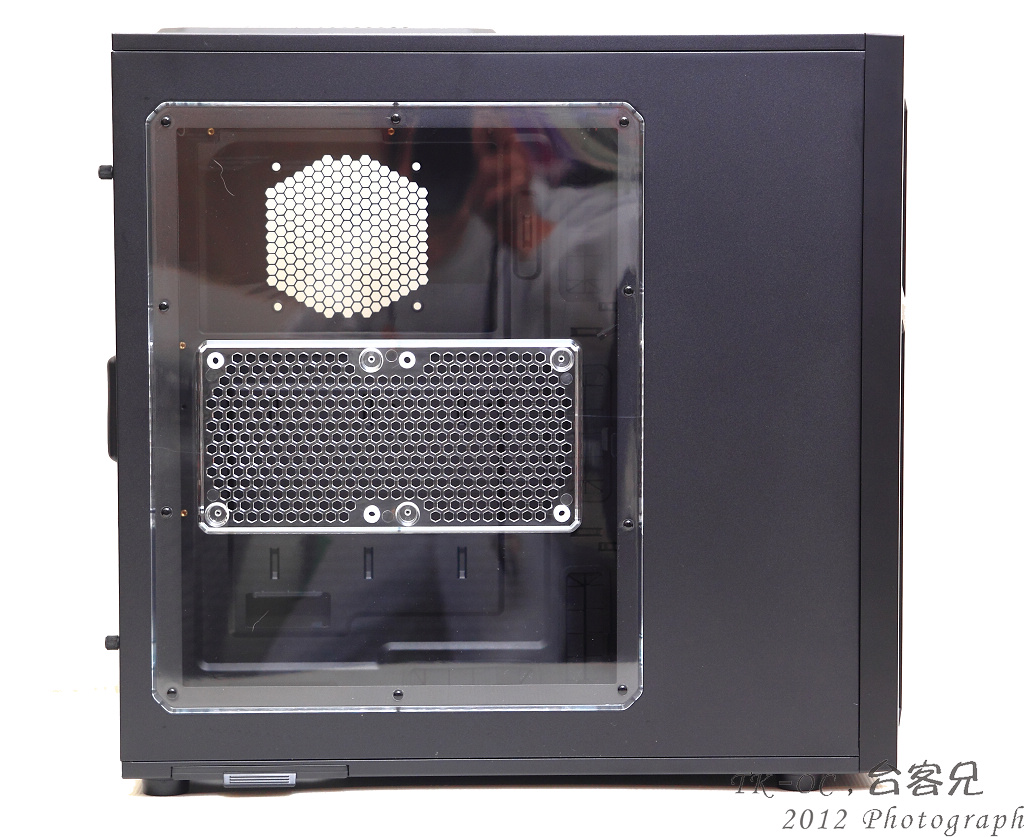
可另外安裝2顆120mm風扇,四個腳是採用橡膠墊片可以腳少共震的噪音
http://picx.xfastest.com/japan0827/G1100/13.JPG
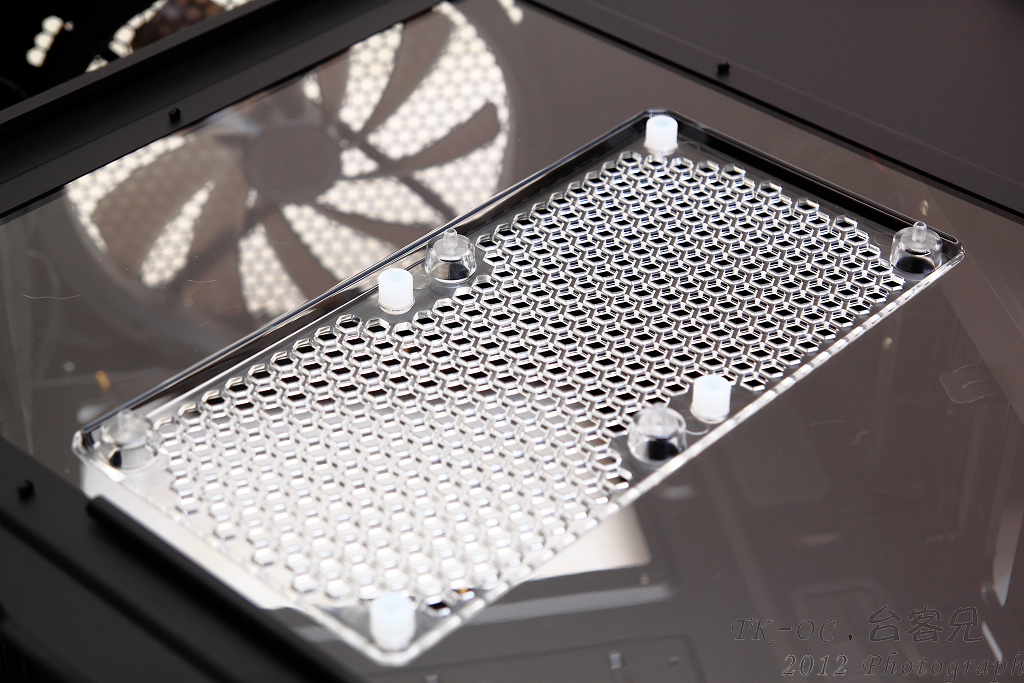
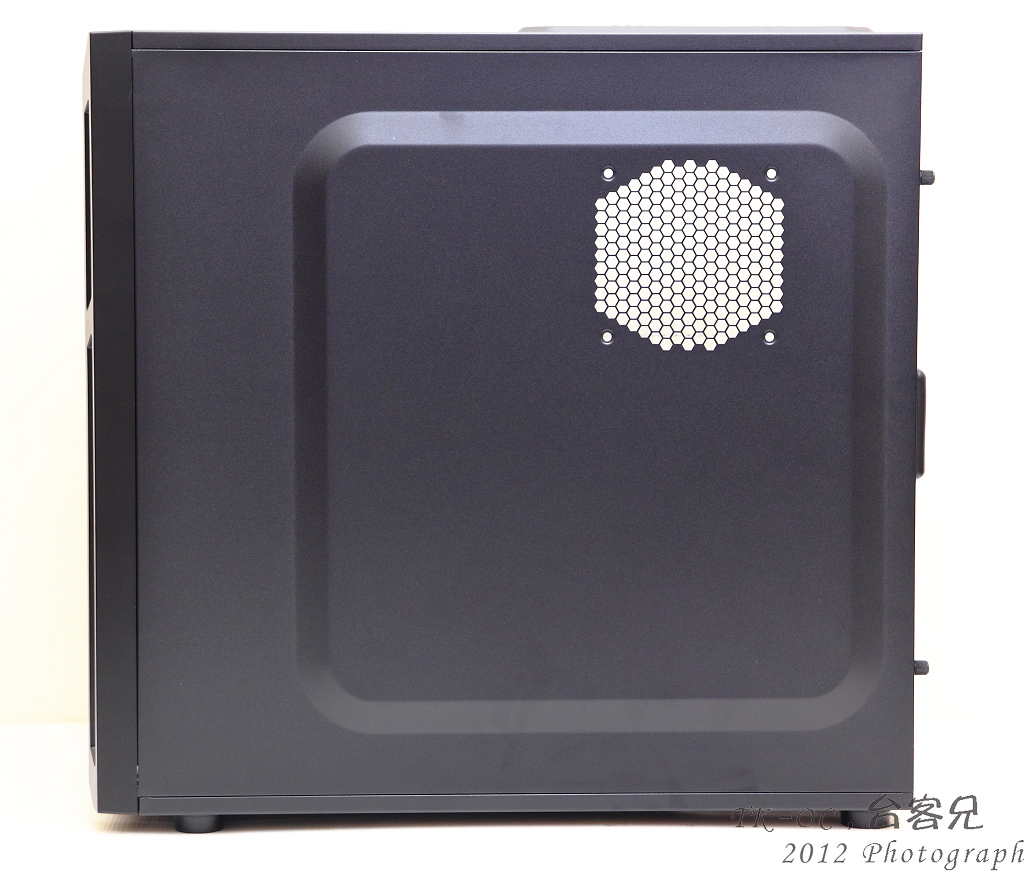
右側側板在CPU的位置也可以安裝一顆120mm的風扇,加強MB背面的散熱
http://picx.xfastest.com/japan0827/G1100/14.JPG
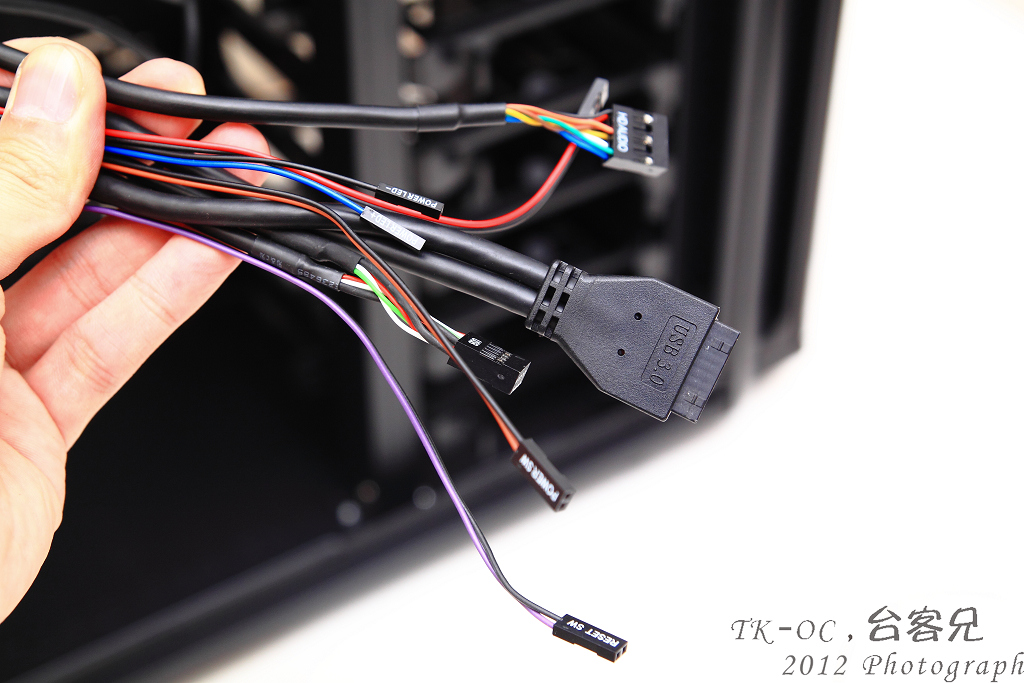
前置I/O線材..USB3.0採用的是內置19Pin接頭而非延伸
http://picx.xfastest.com/japan0827/G1100/17.JPG
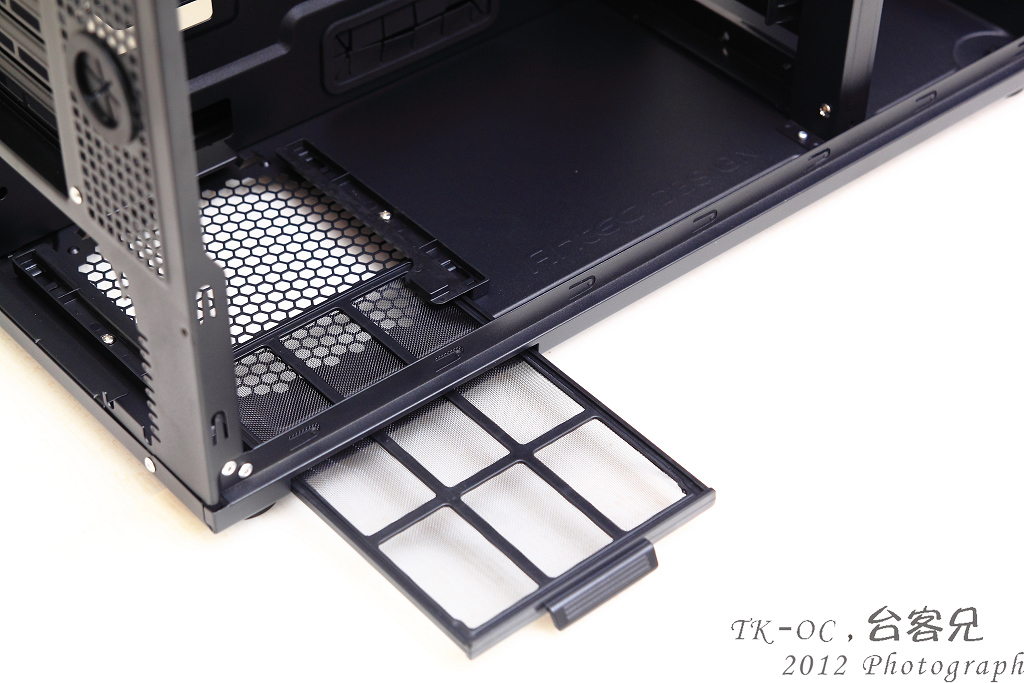
底部放置POWER的下方有可抽換式濾網
http://picx.xfastest.com/japan0827/G1100/18.JPG
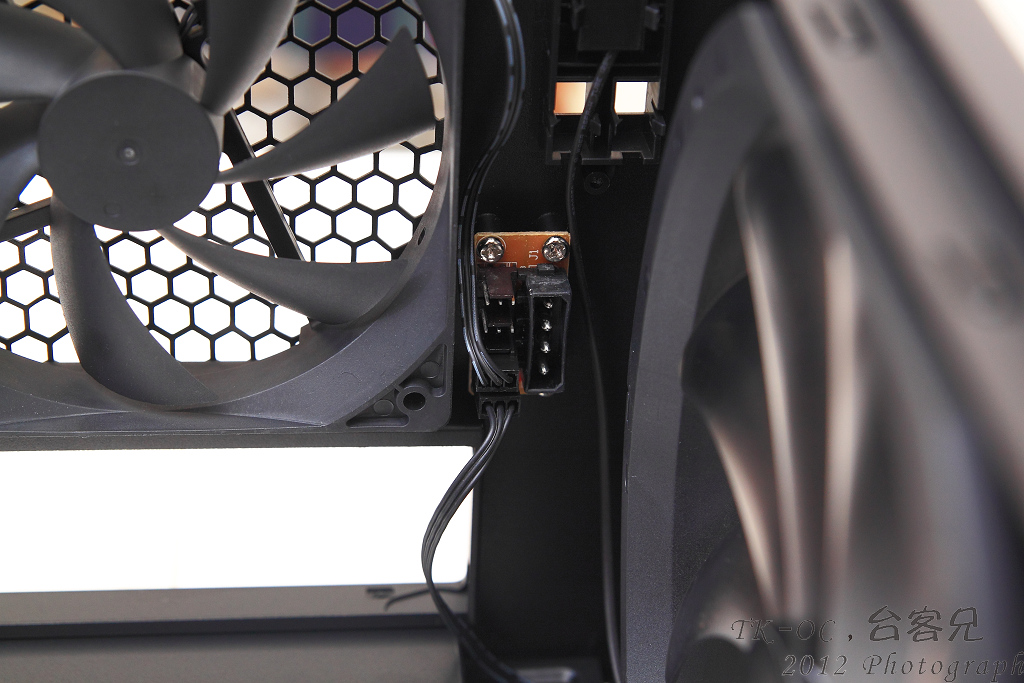
上方風扇附近有塊電擴版,如使用的MB上面搭載的3pin接頭不夠用時這設計就很方便!
http://picx.xfastest.com/japan0827/G1100/19.JPG
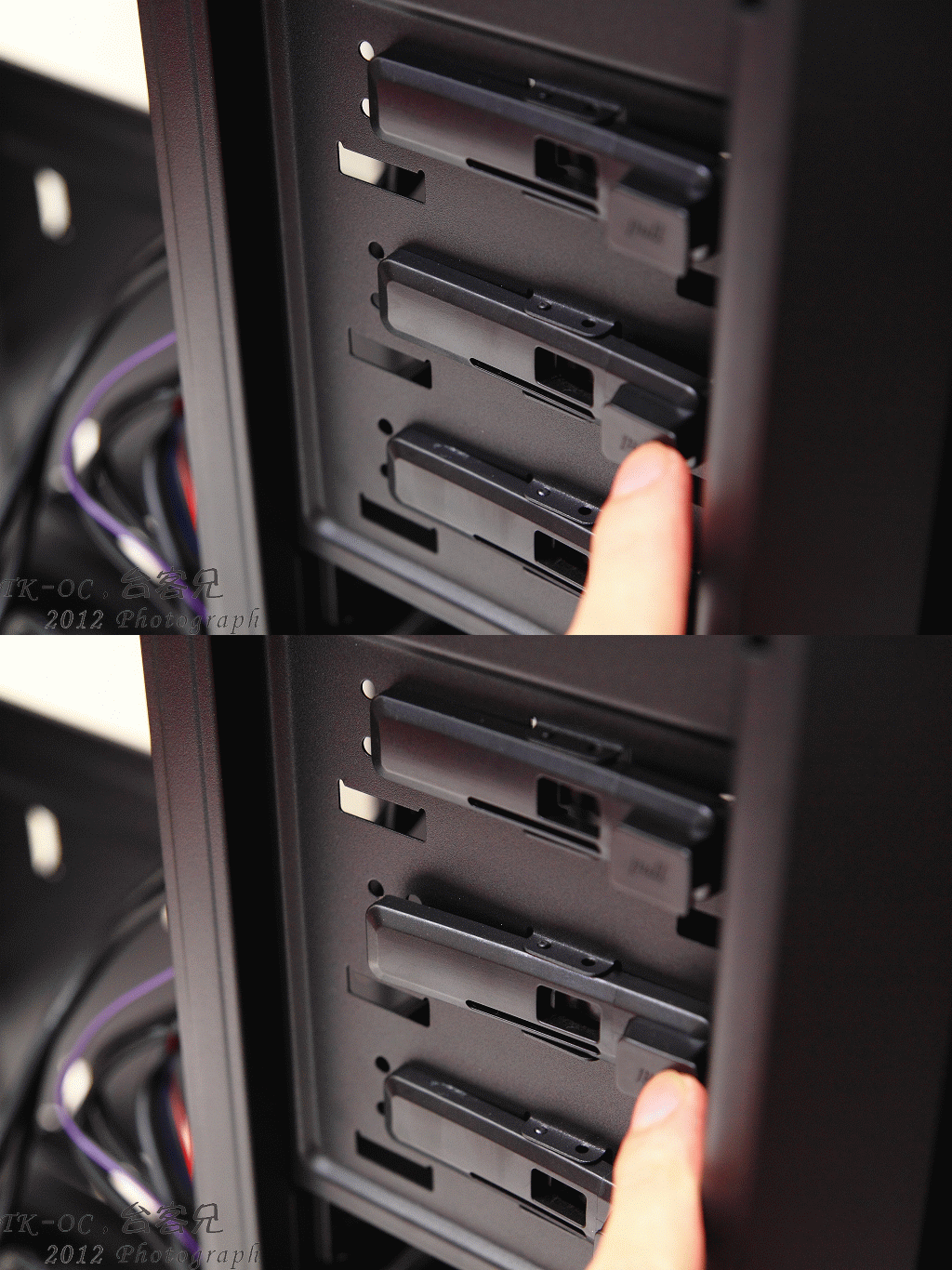
5.25吋安裝固定方式始採用彈壓試的設計!
http://picx.xfastest.com/japan0827/G1100/20.gif
在安裝3.5HDD之前先拿出這配件盒
http://picx.xfastest.com/japan0827/G1100/21.JPG
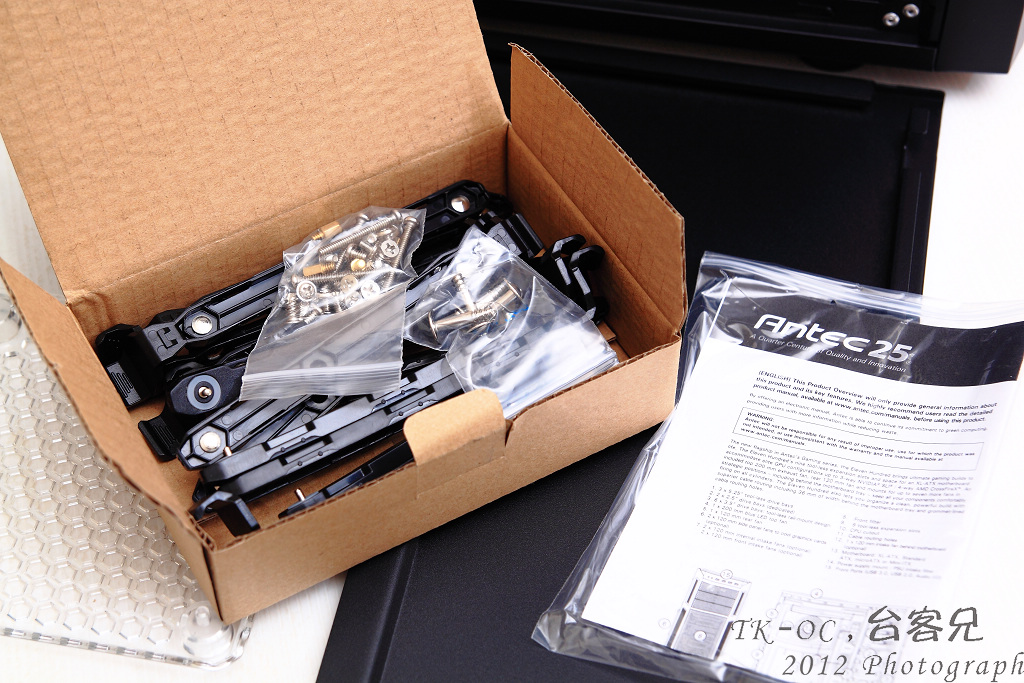
安裝方式只需要把滑槽對準督到HDD旁的螺絲孔!
http://picx.xfastest.com/japan0827/G1100/22.JPG
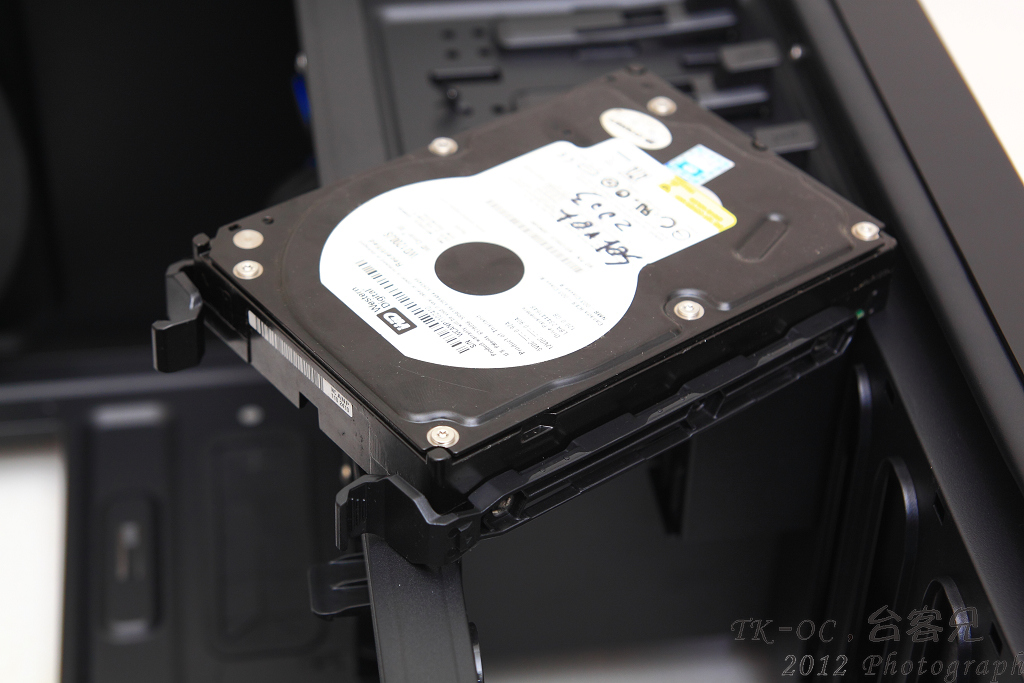
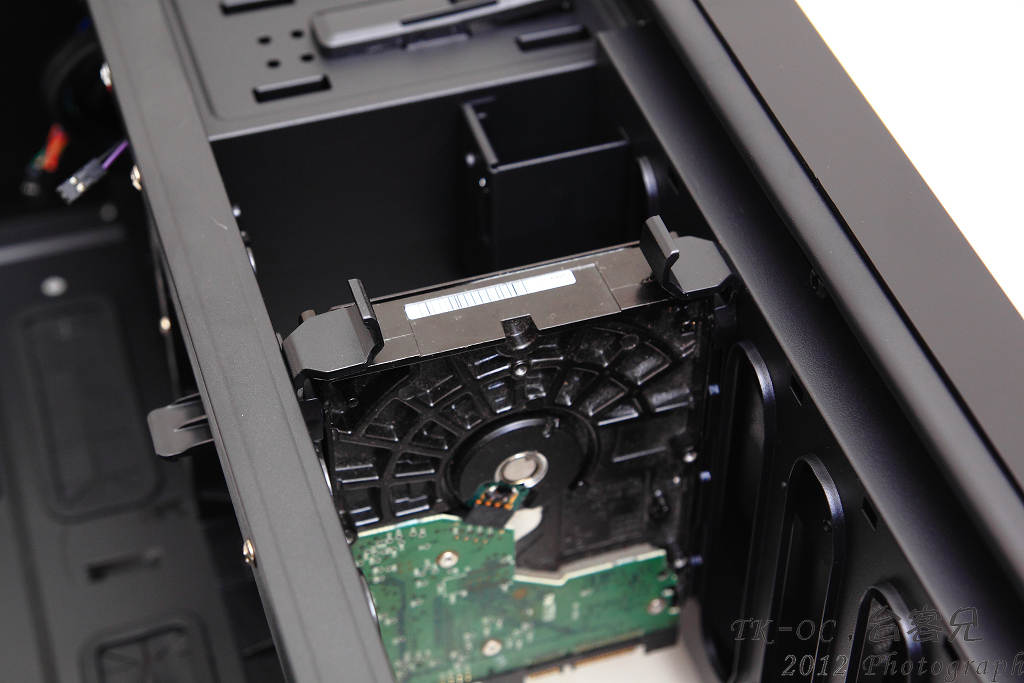
在推入置滑槽,之後聽到喀一聲就固定完成!過程均不需使用到螺絲
http://picx.xfastest.com/japan0827/G1100/23.JPG
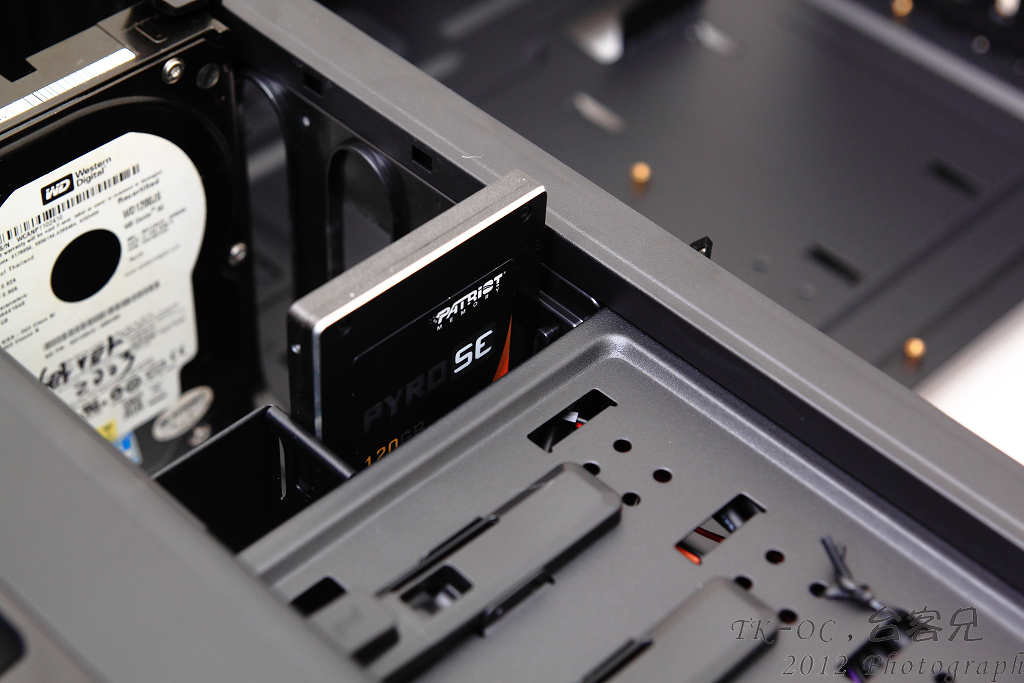
而2.5吋HDD,SSD安裝方式就更簡單,直接督進去專為2.5吋設計的滑槽即可
也不用使用任何一顆螺絲,當然如果你覺得這樣不夠妥當,旁邊還是有預留鎖孔!
http://picx.xfastest.com/japan0827/G1100/24.JPG
整體裝機起來台客兄是拿GTX590來試裝
http://picx.xfastest.com/japan0827/G1100/25.JPG
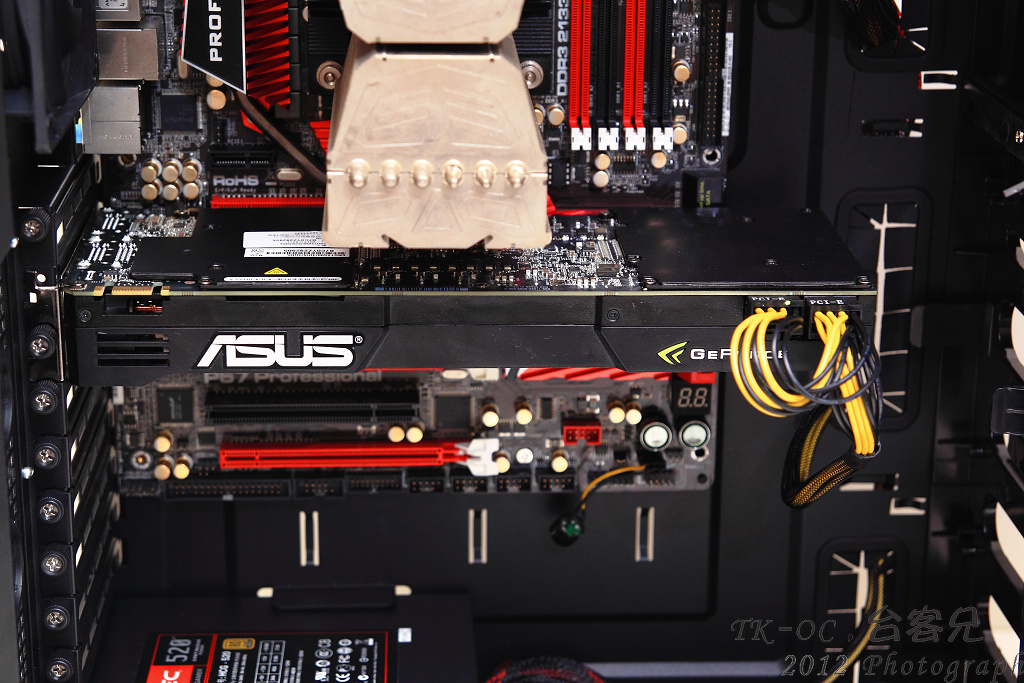
就算裝了這類長卡機殼空間還是很足夠的!
http://picx.xfastest.com/japan0827/G1100/26.JPG
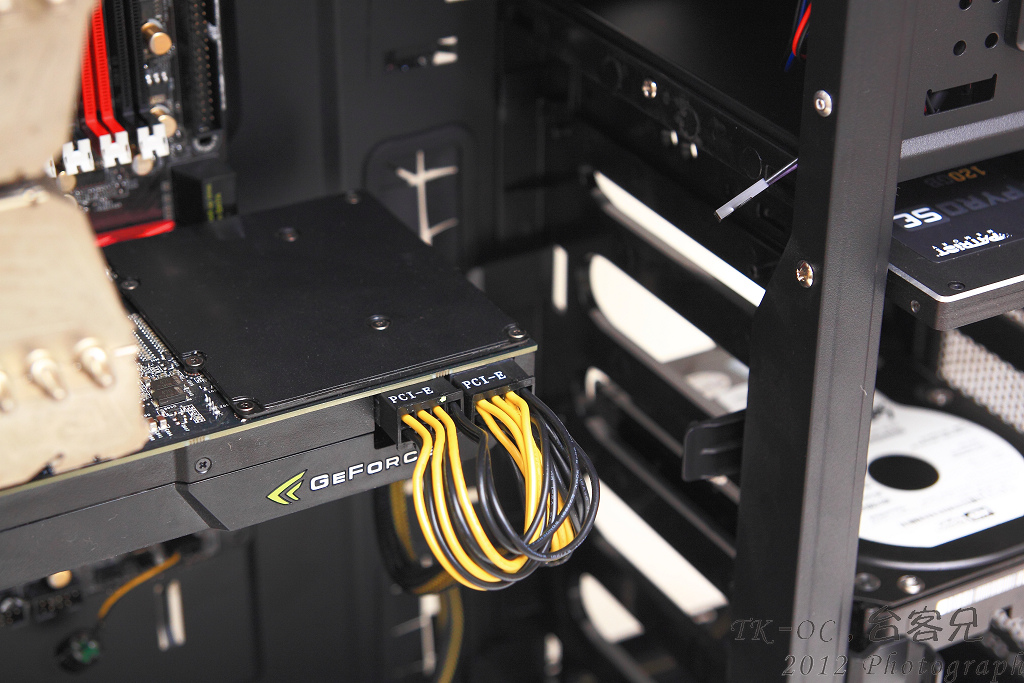
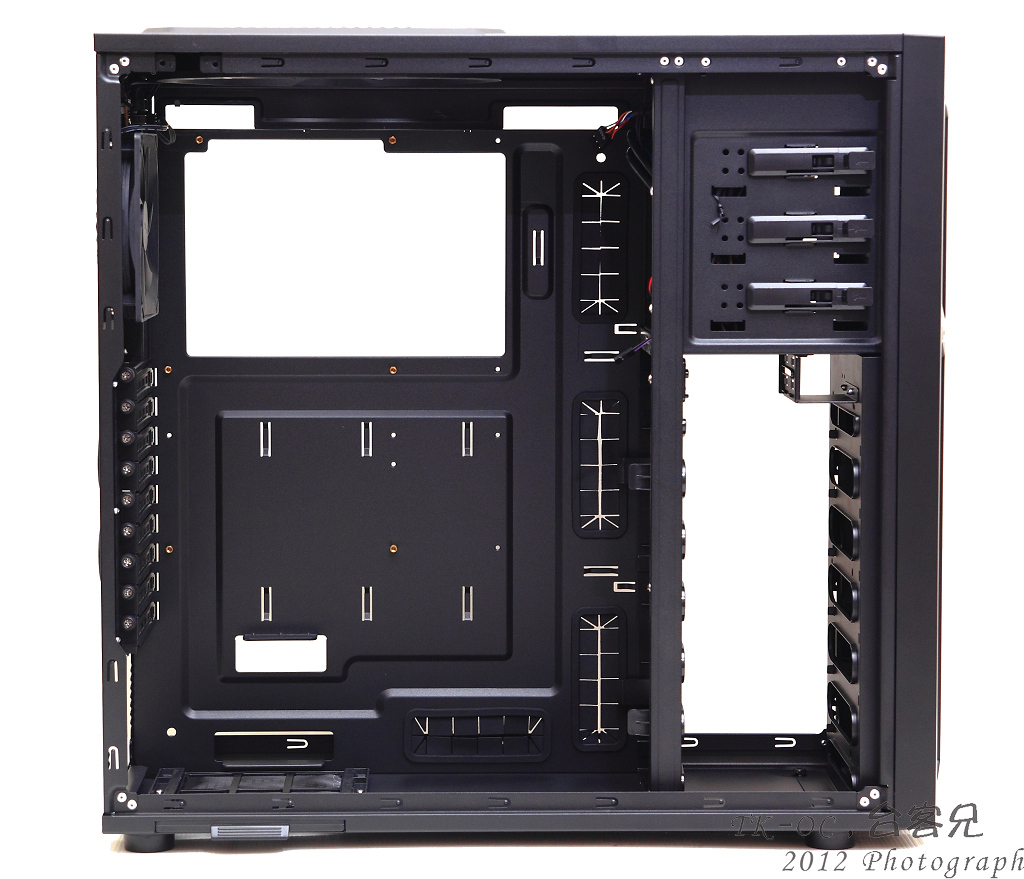
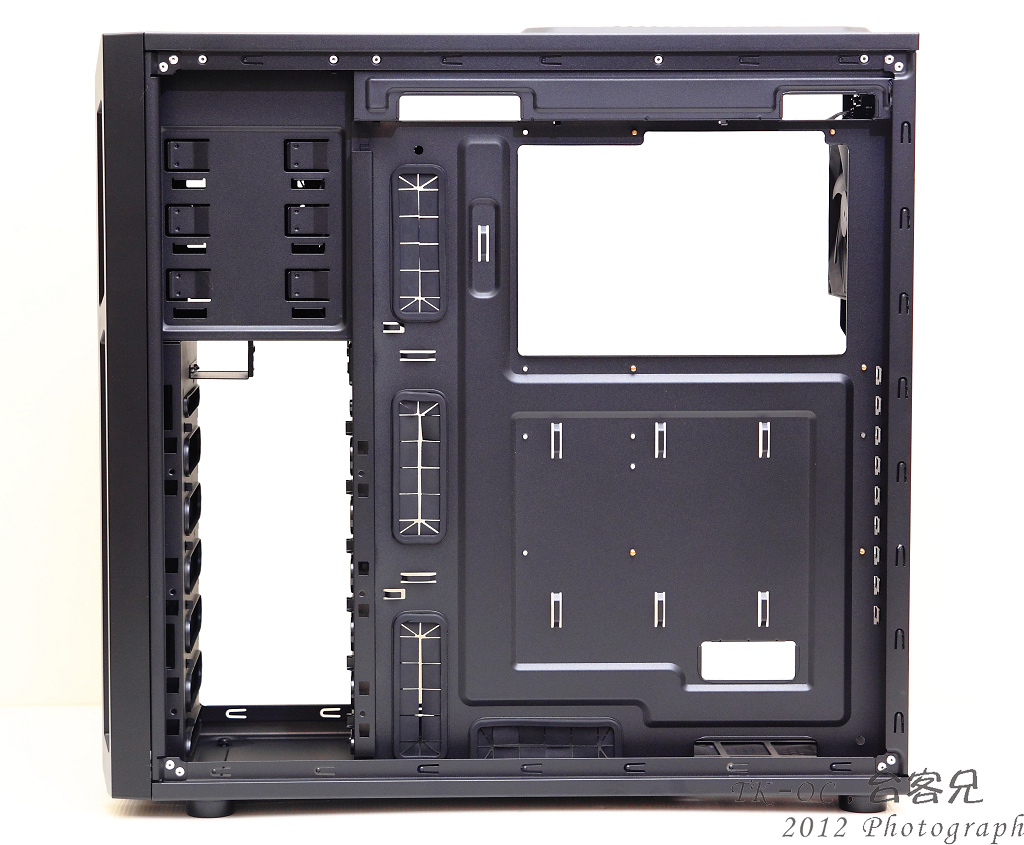
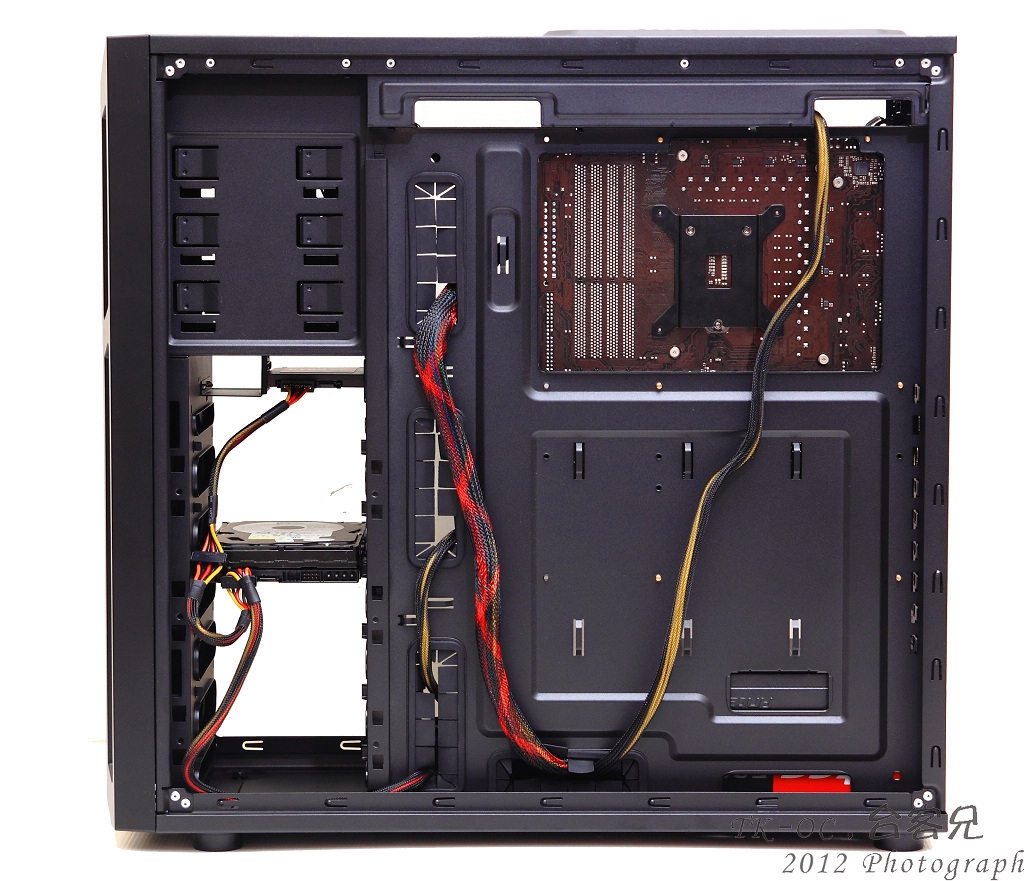
G1100背部的走線空間也相當充足!
http://picx.xfastest.com/japan0827/G1100/27.JPG
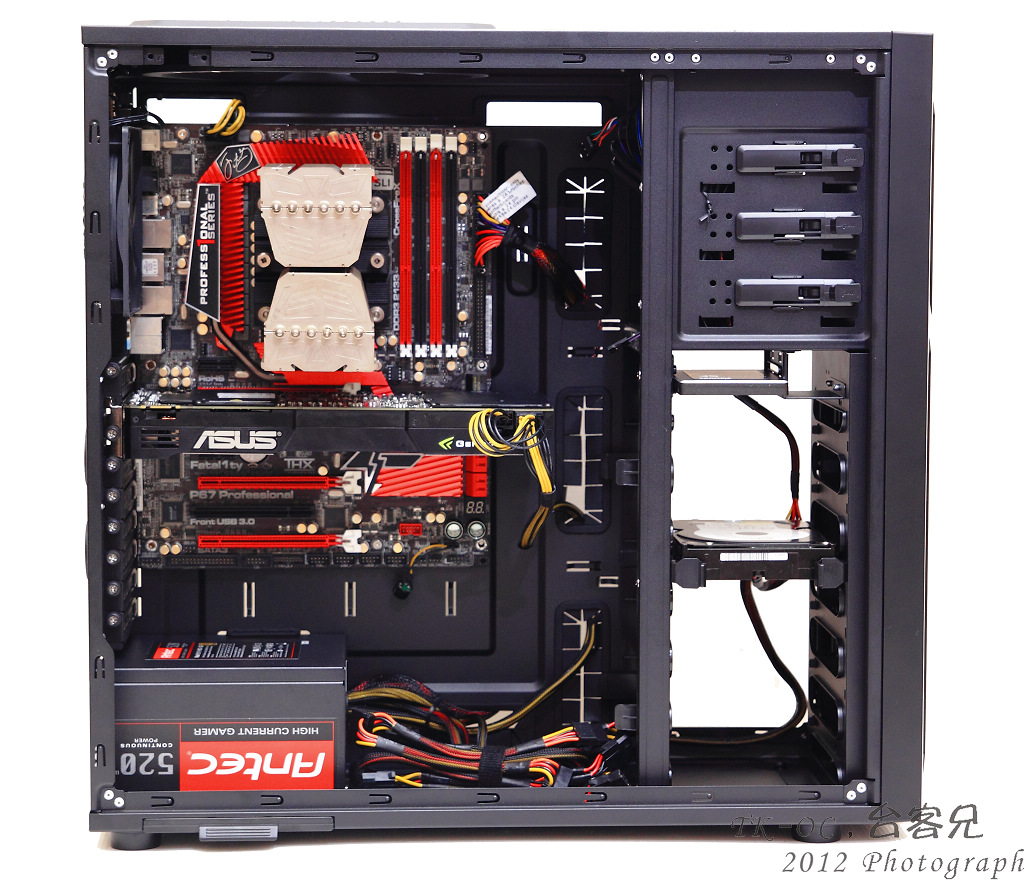
最後整體安裝一覽,整體空間相當的充足,就算安裝到XL-ATX也是沒問題的
http://picx.xfastest.com/japan0827/G1100/28.JPG
-------------------------------------------------------------------
總結:
Antec Gaming系列機殼這款Eleven Hundred(G1100)算是台客兄個人認為內部
空間最合我意,因為我硬碟安裝方式偏好側抽式的,面板樸素簡潔!
鋼板用料承襲前幾款厚實的用料(G100,G200例外)
如果在硬碟抽取槽多加個熱抽換模組會更加分!
而價格也是Gaming系列機殼個人覺得比較符合市場價位,
前幾款真的不知道在貴三..小朋友!
Eleven Hundred(G1100)約落在NTD:3500$上下,以用料性價比這款也是個不錯的選擇!
~END台客兄~
--
~人品大爆發的台客兄~
--
※ 發信站: 批踢踢實業坊(ptt.cc)
◆ From: 220.132.113.97
推
01/03 17:10, , 1F
01/03 17:10, 1F
推
01/03 17:12, , 2F
01/03 17:12, 2F
推
01/03 17:13, , 3F
01/03 17:13, 3F
→
01/03 17:31, , 4F
01/03 17:31, 4F
→
01/03 17:53, , 5F
01/03 17:53, 5F
推
01/03 17:57, , 6F
01/03 17:57, 6F
→
01/03 19:45, , 7F
01/03 19:45, 7F
推
01/03 19:54, , 8F
01/03 19:54, 8F
推
01/03 20:43, , 9F
01/03 20:43, 9F
→
01/03 21:37, , 10F
01/03 21:37, 10F
推
01/03 22:59, , 11F
01/03 22:59, 11F
PC_Shopping 近期熱門文章

PTT數位生活區 即時熱門文章
47
79
